Advanced Template Customization: Make Your Studio Stand Out
Jan 6, 2026 • 9 min
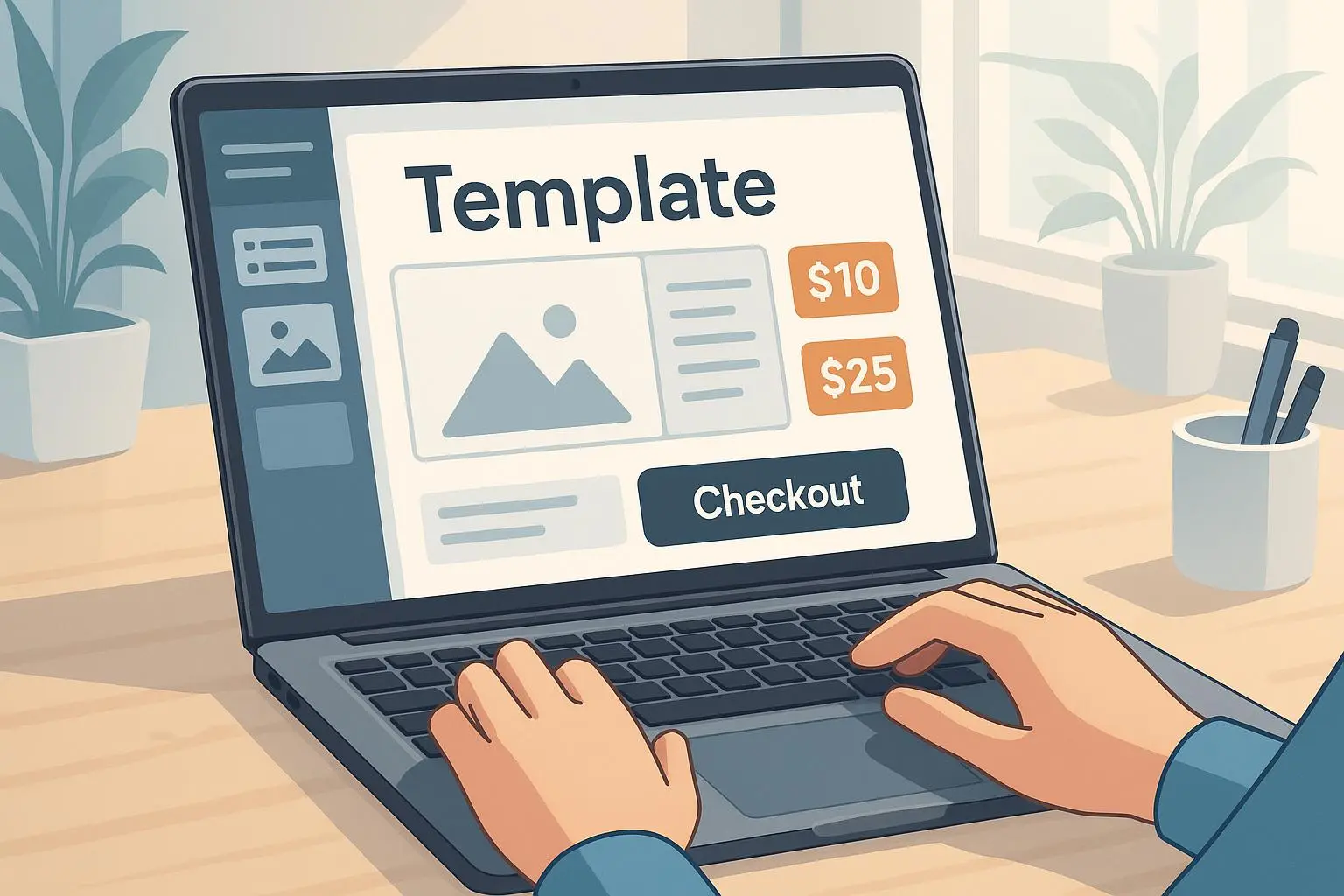
You can sell a theme that looks like every other theme on the marketplace — and watch it drown in price competition. Or you can build templates that feel like they were made for one specific kind of buyer, and charge accordingly.
I want to show you how to move from "generic" to "unignorable" without turning your product into a maintenance nightmare. We'll cover the design moves, the functional tricks, and the packaging strategy that actually sells. No fluff, no buzzwords — just things I've used, tested, and seen work.
Why niche matters (and how it changes your math)
When everyone lists "modern" or "clean" as features, those words stop meaning anything. But when you design a template for "independent veterinary clinics" or "artisan coffee roasters," you solve specific problems the buyer actually has.
A real example: a template tailored to wedding planners that included mood-board sections, client onboarding checklists, and a simple timeline module suddenly justified a 40% price jump. People aren't paying for pixels. They're paying for time saved and outcomes achieved.
This is the core shift: you stop selling a file and start selling a pre-built solution for a narrow problem. That changes the buyer's comparison set. They stop comparing price and start comparing results.
Level 1: Visual hierarchy and micro-interactions that read as "premium"
Design does two things: it communicates who you are and it signals trust. Small visual decisions have outsized impact.
- Typography sells. Pair a confident display serif with an ultra-readable sans for body text. That pairing signals authority without adding complexity. You don't need custom fonts to make that work — you need the right contrast and spacing.
- White space is not emptiness. It's a tool. Thoughtful spacing around calls-to-action, pricing boxes, and testimonials creates breathing room that reads as professionalism.
- Micro-interactions are the currency of perceived polish. A 120ms hover fade on buttons, a 250ms section transition, a subtle animated icon on load — these tiny motions make your template feel considered.
I once A/B tested two landing-page demos: one with no transitions, and one with three subtle micro-interactions. The “polished” demo had 18% higher demo engagement and a 12% bump in conversions on the sales page. People stayed longer and trusted what they saw.
Micro-moment: I still remember a client emailing me, excited, because the loading animation matched their logo’s color. It was a small detail, but they felt seen — and they paid for it.
Research backs this up: consistent visual language correlates with perceived trust and quality[1]. Use that to justify higher pricing.
Level 2: Functional layering — useful, not overwhelming
Advanced templates should look like they do more than they actually require the user to do. The goal: bake functionality into the structure in a way that stays simple for non-technical buyers.
- Conditional content blocks: Build modular sections that users can toggle or delete. Create pre-styled variants for "Services," "Product Catalog," or "Case Studies." The buyer removes what they don't need — they rarely add complexity.
- Domain-specific data visuals: For dashboards, swap generic charts for industry-specific examples. Offer a "CLV funnel" for SaaS, "Yield Per Acre" for agribusiness, or "Reservation Summary" for restaurants. That little step from generic to specific is huge for perceived usefulness.
- Performance-first micro-animations: Use lightweight formats (Lottie, SVG) to keep pages fast. Motion should enhance clarity, not just decorate it.
Be careful: more options doesn't always mean better. I've seen templates with twenty toggles that paralyzed buyers. The secret is hidden complexity: the template can do a lot under the hood, but the UI for the buyer should present 3-5 clear choices.
How I actually made this work (a short story)
A few years back I redesigned a set of templates for a studio that sold presentation decks. Sales were okay, but returns and complaints about customization time were high. I spent a month interviewing five repeat buyers and three support reps.
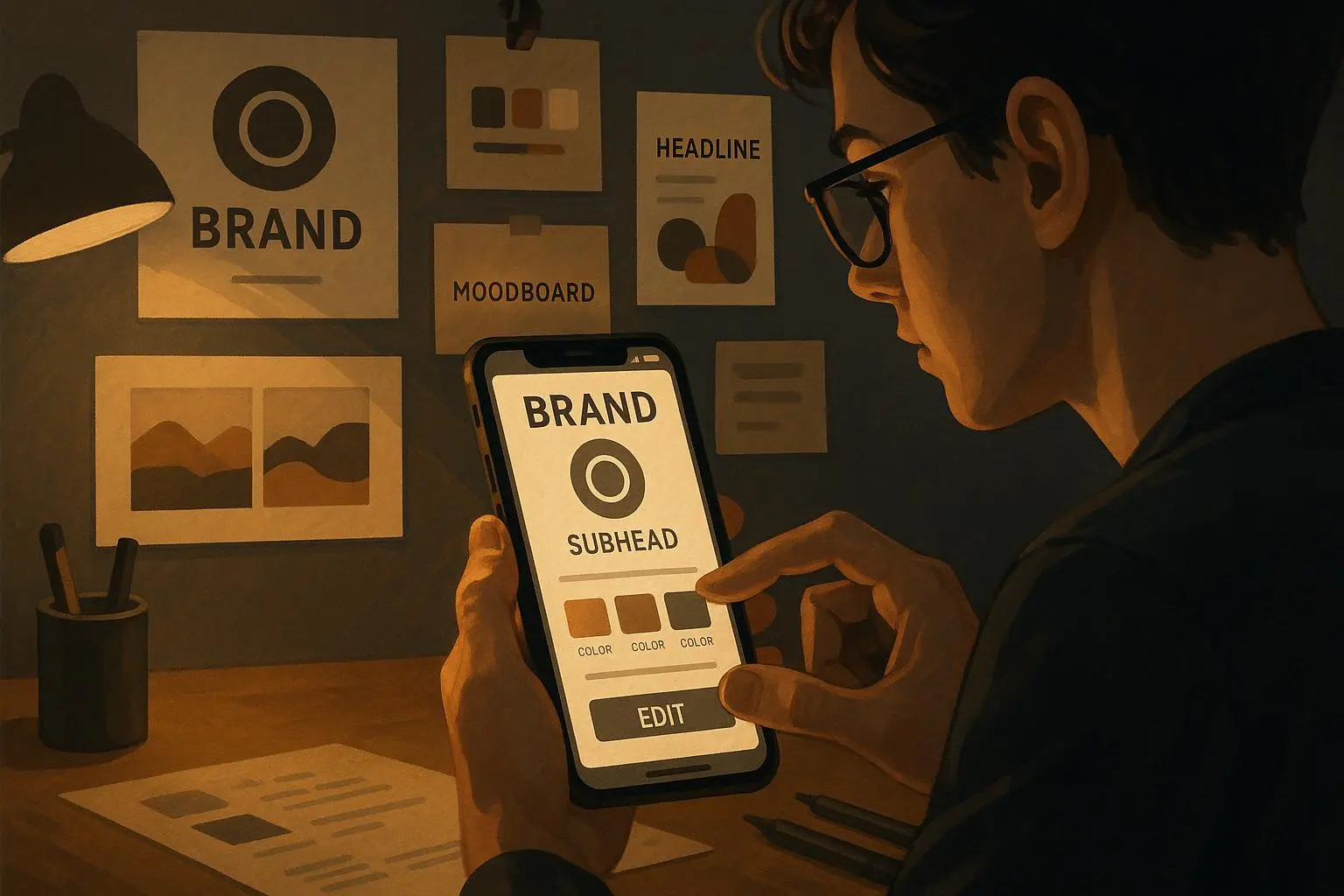
Key insight: buyers loved the design but hated the "blank slate" feeling. They wanted guidance. So I rebuilt three decks as industry starters — "Investor Pitch (SaaS)", "Client Proposal (Creative Agency)", and "Conference Talk (HealthTech)". Each starter included pre-filled slide examples, industry-specific graphs, and a short onboarding doc showing where to edit four critical elements: logo, color, hero slide, and metric charts.
Results: the "industry starter" packages converted 2.4x better than the generic decks and support tickets for setup dropped by 55% in two months. We increased price 30% and the churn on refunds went down — customers felt they'd received something worth the higher ticket. The hard lesson: specificity reduces friction, and friction was the real cost driver, not the initial development time.
Packaging and pricing: stack value, don't just raise numbers
If you add features, you need to package them so buyers see tiers of utility.
- Tier 1 (starter): Clean styling, basic layout options, standard docs.
- Tier 2 (niche-ready): Pre-built industry pages/layouts, sample content, and one-click style presets.
- Tier 3 (integrated): Industry-specific modules — booking-ready pages, CLV charts, appointment flows — plus niche-specific documentation.
Each tier should feel like a real step up in saved time or delivered outcome.
Another lever: "time-to-value" messaging. Say things like: "Launch your menu and reservation system in under an afternoon" rather than "includes reservation widget." Buyers choose the less abstract promise.
Value-based pricing is your friend here. Price against outcomes (time saved, onboarding speed, conversion lift), not hours spent building the template[2].
Documentation and onboarding — yes, they sell
You can make the slickest template, but if buyers can't use it quickly they'll refund or abandon it. Tiered templates demand tiered support.
- Create short, hand-holding onboarding docs for each niche. Not a 40-minute video; a 3-step checklist and three screenshots are often enough.
- Use Notion pages with embedded examples for Tier 2 and 3; buyers love copy-paste snippets that reduce setup time.
- Include one clearly labeled "starter" file that buyers can duplicate to see how everything is wired.
Bad documentation kills perceived value faster than any missing feature. One review I saw summed it up: beautiful template, useless documentation; the buyer gave up because they couldn't activate the custom navigation. Don't be the seller they complain about.
Using AI (smartly) to personalize without breaking things
AI can help personalize without promising miracles.
- Use simple input forms: ask for business type, main color, slogan. Then trigger pre-set style sheets and content snippets.
- Avoid full generative editing unless you can QA it. Generated copy often needs human tuning for tone and accuracy.
- Use AI for administrative tasks: generate a starter "About" paragraph, suggest three hero images (by tag), or map colors to a brand palette.
This approach gives buyers a "customized" feel without you maintaining infinite permutations. Research shows personalized experiences increase user engagement, but they must be constrained and predictable[3].
Accessibility and legal considerations (don’t skip these)
Two quick, important points:
- Accessibility: Make sure your color pairs meet WCAG contrast for text and interactive elements. Tools like Color Harmony Pro can save you here.
- Licensing: If you include fonts or assets, verify commercial licenses. Custom-loaded fonts can require paid licenses for redistribution — read the license and be explicit in your product page.
Skipping either can tank a sale or cause legal headaches later.
Tools and workflows that scale this work
A few practical tools I use and recommend:
- Figma for prototyping micro-interactions and layout variants. Build components and swap instances to test niche versions rapidly.
- LottieFiles for lightweight animations you can drop in without heavy performance cost.
- Hotjar or simple demo analytics to see where buyers drop off in your demo flow — you’ll learn which micro-interactions actually help.
Use Hotjar to test the demo page: if users never click your "industry starter" tabs, maybe the label is unclear. Measure, change, measure.
Launch and post-launch: what to track
When you release a niche template, watch these metrics:
- Conversion rate on the product page for each tier
- Demo engagement time and click patterns
- Support tickets within first 30 days (setup friction)
- Refund rate within 14 days
Those numbers tell you where to iterate. In my experience, a high conversion with high refunds usually means documentation or hidden setup complexity is the problem. A low conversion but low refunds often means your messaging isn't communicating time-to-value.
When to stay simple
Customization is powerful, but sometimes simplicity wins. If your audience is price-sensitive and just wants "plug-and-play," don't add toggles for the sake of it. The contrarian move is legit: a single, polished, well-documented template that does one thing perfectly can out-sell a sausage of features.
The rule I use: add depth only where it increases time-to-value or addresses a genuine niche need.
Final checklist: ship smart, not just shiny
- Pick 2–3 niches and prototype industry starters before you commit.
- Build modular blocks that can be toggled; keep the buyer UI minimal.
- Use micro-interactions sparingly to signal polish.
- Document the four things every buyer must edit first.
- Price by outcome, and tier the offers clearly.
- Test demos with real users and watch support tickets post-launch.
Do these, and you'll stop competing on price. You'll be competing on utility.
References
Footnotes
-
Henderson, P. W., & Cote, J. A. (2018). Guidelines for Selecting or Modifying Logos. Journal of Marketing, 82(6), 59-80. Retrieved from https://doi.org/10.1177/0022242918798325 ↩
-
Nielsen Norman Group. (2021). Measuring the ROI of UX: Quantifying Improvements in Conversion and Onboarding. Retrieved from https://www.nngroup.com/articles/measuring-roi-ux/ ↩
-
Gartner. (2022). Personalization Drives Engagement, but Predictability Is Key. Retrieved from https://www.gartner.com/en/insights/personalization ↩