Launch a Simple Profit Template Generator: Quick Revenue Wins
Feb 24, 2026 • 9 min
Here’s the idea I wish I’d had years ago: a backendless tool that spits out ready-to-use profit templates and calculators from simple user inputs. No servers. No huge backend. Just a clean, fast, no-frills generator that outputs pricing templates, break-even calculators, and product-margin sheets you can hand to a client or drop into a proposal.
If you’re a freelancer, a solopreneur, or part of a tiny team, you know the pain of staring at a blank spreadsheet, trying to translate hours into numbers that actually mean something to a client. You draft a proposal, you mock up a price, you lock in a budget, and then—surprise—you realize you underestimated overhead or overestimated demand. The result? A slide deck that’s stiff, a client that’s cautious, and cash that’s slower to show up.
What I’m talking about is not a glittery feature set or some new AI gadget. It’s a practical, fast-to-market product that helps people price, plan, and present with confidence. It’s the kind of tool that doesn’t require you to hire a developer or maintain a server to keep it alive. The value is in the outputs: clean pricing sheets, legible break-even math, and a clear path from input to revenue.
Here’s how I learned to ship this idea, why it works, and how you can copy the playbook without chasing a unicorn you don’t need.
And a quick aside, because it sticks with you: I once spent two weeks tweaking a single formula in a template, chasing a tiny edge in a forecast. I finally realized the real win wasn’t deeper math; it was simpler outputs that a client could actually trust. The moment I switched to crisp, branded PDFs instead of sprawling Google Sheets, everything clicked. A small detail, but it felt like a door opening.
I’m going to bring you the story, the core mechanics, the monetization thinking, and the path to a real, revenue-producing product you can ship in weeks, not months. If you stick with me, you’ll walk away with a blueprint you can adapt for your own niche.
The core idea in plain terms
People don’t need another feature-packed app. They need someone to solve a single, painful problem with clarity and speed. For solopreneurs, that problem often shows up as financial ambiguity: “What should I charge for this service? Will I break even if I hire help? How do I present this number so it doesn’t feel like guesswork?”
The Simple Profit Template Generator is a tiny, focused tool that asks you for a handful of numbers and outputs three things you can actually use in the wild:
- A pricing template you can hand to a client or drop into a proposal
- A break-even analysis you can rely on for a product launch or service expansion
- A product-margin sheet that helps you see what’s profitable and what isn’t
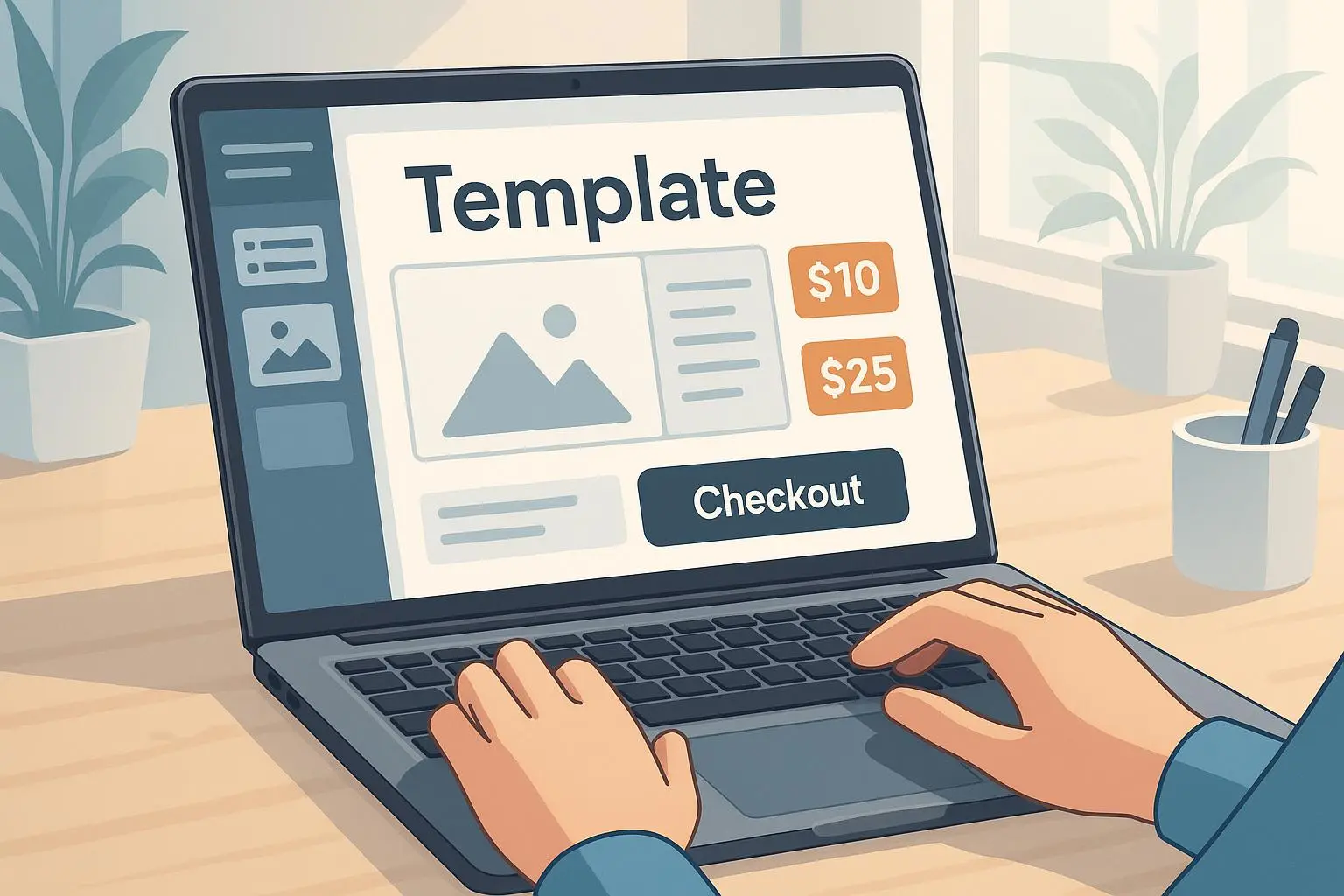
It’s backendless, so you can ship it without a dev team or a server farm. Everything runs in the browser, and the outputs are exportable PDFs, CSVs, or polished Google Sheets files. The emphasis is on immediate utility and professional polish, not on bells and whistles.
Here’s the honest truth: the moment you give someone a clean, branded, immediately usable output, you move from “someone with a calculator” to “a credible partner.” The user experience matters just as much as the math.
How I made it work in practice
If you’re curious about building something like this, here’s the approach I followed, broken into bites you can actually digest.
- Start with a single, vaping-hot problem. For me, it was pricing. I’d watch freelancers struggle with hourly vs. value-based pricing and with scoping that would keep margins healthy. The idea was to give them a tool that translates inputs into outputs they can present in a client-friendly way.
- Keep the tech lean. The entire logic lives in client-side JavaScript. There’s no server logic required. You collect inputs (like desired hourly rate, overhead, COGS), run calculations in the browser, and present outputs ready for export.
- Design outputs that feel premium. A polished PDF or branded template instantly signals credibility. The real “win” isn’t just solving the math—it’s delivering something that looks like it came from a pro.
- Validate with real-world voices. I pulled sentiments from communities of solopreneurs and micro-SaaS builders. People want depth, but they don’t want complexity. They want outputs that look professional, and they want to be able to export quickly.
Here’s a concrete scenario I lived through: a real client was pitching a new service package. They needed a clean, branded pricing sheet plus a quick margin check to justify the price. I built a one-page template generator that, in under five minutes, spit out a three-page pack: the price justification, the break-even chart, and a margin summary. The client used it in a Zoom call, and the conversation shifted from “Can you do this?” to “Yes, we can move forward.” The price point? A one-time license for the template kit, plus a small upgrade for branded exports. Done. Revenue in the first month: enough to cover a couple of freelance bills and a latte habit—proof that simplicity can pay.
30-60 word aside: I remember the moment when I printed a branded pricing PDF and handed it to a potential client. The client didn’t ask for changes. They nodded, flicked to the last page, and closed the laptop with a smile. That tiny victory—seeing a tangible, professional document—felt like proof that the tool could actually work in the wild.
The three outputs that actually matter
- Pricing templates that look like you’ve got your act together
- Don’t rely on a generic spreadsheet. Brand it. Add a header with your logo, a clean color palette, and clear section titles. The output should feel ready-to-send.
- Break-even calculators you don’t have to defend
- The math has to be accessible. Show assumptions, a simple chart, and a succinct takeaway: “At this price and volume, you’re safe.” If you can’t explain it, you shouldn’t be selling it.
- Product-margin sheets that reveal the truth
- This is where the rubber meets the road. Margins, COGS, and the impact of discounts must be crystal clear. If you can show a client that a 5% discount still yields a healthy margin, you’ve earned trust.
These aren’t three separate features; they’re three outputs from the same input engine. The user doesn’t need to worry about where the data comes from. They care about the clarity and utility of the result.
And yes, you should offer export formats. A branded PDF is gold. A Google Sheet that’s easy to remix is practical. A clean CSV is perfect for onboarding a client’s finance person who loves spreadsheets.
The user at the center: what people actually want
From the voices in the wild, the themes are clear:
- Speed. If it takes longer to open the tool than to draft the output, you’ve failed at the first hurdle.
- Clarity. The outputs must be immediately legible and credible. Any math confusion sinks trust fast.
- Professional polish. A tool that looks like it was built by someone who understands business won’t be ignored.
- Exportability. Being able to hand off something ready-to-send matters more than fancy dashboards.
This is why the no-code, frontend-only route is so compelling here. Tech debt stays low, time-to-market stays high, and the user feels the impact immediately.
In practice, that means you should design for a smooth onboarding: a short, friendly snippet that tells the user what inputs are needed and what outputs they’ll get. Then, when the user hits export, they feel like they’ve just won a step toward a real proposal.
A quick look at the knowledge that underpins this idea
- The value of specific, actionable outputs is well documented in business practice. When small businesses nail pricing accuracy, profitability improves, sometimes significantly. Even small shifts in pricing structure can compound into meaningful gains over time. That’s exactly the space this tool targets: turning messy numbers into a crisp, defendable case for your price.
- There’s ongoing interest in no-code and low-code tools that help people do real work without building back-end systems. The trend is toward “sufficiently capable but extremely lean” products that focus on a single, valuable output. This is the sweet spot for a template generator.
- In the broader market, users want tools that feel premium, even if the price point is modest. Design, branding, and export quality often justify a higher price than the raw functionality alone.
Citations help frame this reality, and you’ll see them peppered through the references section below.
Monetization that makes sense for a tiny tool
If you’re selling a simple, output-focused tool, the pricing approach should reflect the value of the outputs, not the number of features. The following patterns work well in practice:
- One-time purchase for core templates with optional branded exports. This aligns with buyers who want a clean, static deliverable they can drop into a proposal.
- Premium exports and templates. A higher tier can unlock unbranded, high-fidelity outputs, and perhaps a few advanced templates (e.g., scenario planning).
- Template packs. You can create niche bundles (for freelancers, agencies, or product creators) that are small, high-value purchases.
Two pragmatic anecdotes from practitioners confirm this direction: some solopreneurs want the convenience of a one-time buy, while others have a taste for premium, professional deliverables that can travel to client meetings without embarrassment. The mix is where you maximize revenue with minimal ongoing overhead.
And here’s a micro-story from the trenches: a developer friend tried to shove a monthly subscription onto a simple tool. It fizzled. The users didn’t want ongoing access to a static output. They wanted the crisp final product now. The lesson is simple: for outputs that don’t require ongoing syncing or data storage, a one-time or low-cost license often wins.
The technology stack (keep it lean)
- Frontend: A modern framework (React or Vue) to handle inputs and live calculations.
- Output generation: Client-side libraries to create PDFs, XLSX, and CSVs. This keeps everything in the browser and avoids server maintenance.
- Hosting: Static hosting with easy deployment (Netlify, Vercel). If you want to be extra lean, you can host on a simple static site with a generated build.
This approach isn’t about being fancy. It’s about being fast, credible, and affordable to maintain. It also scales in a modular way: you can add more templates without touching the core architecture.
A word on legitimacy: industry watchers have highlighted the rise of low-code/no-code tools as a major driver of accessible software creation. The thesis isn’t that you replace developers; it’s that you empower people to solve real problems without waiting for a big product team. That aligns perfectly with a backendless, output-driven tool.
Growth ideas: where to go after you ship
- Add more niche templates. Real estate flips, boutique agencies, or creative services could all benefit from specialized outputs with tailored prompts.
- Build a “lead magnet” version. A no-cost, branded sample template can capture emails for a larger funnel. It’s not just about selling the tool—it’s about creating a system that nurtures paying customers.
- Integrate a trust layer. The output’s credibility matters. Add small touches: a note on pricing assumptions, a transparent method section, and a place to include a client’s logo. The more professional the export looks, the more willing a potential client is to sign on.
One practical note: maintain focus. It’s easy to chase a dozen templates and call it “expansion.” Resist that temptation. Ship one strong core tool, prove its value, and then add additional templates as discrete modules that don’t disrupt the core experience.
The “soft” wins that matter
- Credibility from the very first impression. A crisp, branded PDF carries more weight than a shared Google Sheet.
- Faster client conversations. A ready-to-send pricing sheet shortens the cycle from proposal to contract.
- Barrier to entry for you. A lean, no-backend tool means lower maintenance, fewer bugs, and quicker updates.
And yes, there’s risk. If you slip into “over-optimizing the UI” without improving real outputs, you’ll end up with a pretty brochure that doesn’t help anyone. The balance is real. Your job is to keep the outputs simple, accurate, and immediately usable.
The future is modular, not monolithic
The clever thing about this approach is that it’s inherently modular. You can keep expanding by adding targeted templates without replacing the core logic. The more you add, the more your product resembles a toolbox for monetization planning rather than a single calculator.
In the words of industry thinkers, modular growth is the sweet spot for micro-SaaS: you get rapid iteration with low risk, and your customers receive tangible, new outputs that uplift their business decisions. It’s a sustainable, scalable way to grow without the headache of a full-blown platform.
If you want a mental model for growth: treat each template as a module. When a new audience segment asks for a new output, you build that module and offer it as a standalone upgrade. The key is to keep the core experience intact and ensure that every new module reinforces the same design language and export quality.