Maximize Earnings with the Freelance Calculator
Jun 22, 2026 • 9 min
If you’ve been staring at a freelance calculator and wondering where the real money is hiding, you’re not alone. Let me be blunt: the old cost-plus approach—set a rate to cover overhead and hope for a profit—is a speedrun to underpricing your own expertise. The good news? You can flip this into a growth engine. You can turn a calculator from a blunt arithmetic tool into a strategic partner that helps you price for value, bundle services, and forecast income with confidence.
I built my own version of this system after a year where I felt chained to client work and never quite sure I’d hit my numbers. I’d set a rate that felt safe and then cut myself short when a client asked for a discount. It wasn’t just about losing a few bucks here and there; it was the constant recalibration, the gnawing feeling that I was leaving money on the table while chasing scope creep. The real turn happened when I treated the calculator as a forecasting and negotiation instrument, not just a price anchor. This isn’t about clever tricks. It’s about aligning your rates with the value you deliver and the realities of your business.
And yes, I’ll get practical. Because this is where most people stumble: the math has to reflect reality, not your best intentions. So I’ll walk you through the five moves that actually move the needle. Each one builds on the others, so you can keep the momentum without reinventing the wheel every quarter.
A quick moment I still remember: I was staring at a proposed project, a classic “one-off” gig that paid decently but clearly wouldn’t sustain me through a slower month. I shook off the urge to take the hours-based rate and instead modeled the value the client would receive. The client saved weeks of downtime, and the project fee landed at three times the hourly rate I’d initially considered. The “aha” moment wasn’t that I earned more; it was that I felt confident arguing for a price that matched real impact. That confidence, small as it sounds, changed how I showed up in every negotiation afterwards.
So, what’s inside this approach? Five core moves that align job economics with real value.
- Move 1: Calculate the true cost of business (COB) and non-billable time
- Move 2: Shift from hourly to value-based pricing (VBP)
- Move 3: Bundle services and price tiers strategically
- Move 4: Forecast taxes and net income up front
- Move 5: Use anchoring with a clear value story in negotiations
Let’s go detail by detail, with real-world smells and numbers you can test this week.
Move 1. Calculate the True Cost of Business (COB) and Non-Billable Time
Most freelancers start with what they can bill per hour, then bake in overhead. That’s the wrong starting line. The real cost of doing business includes non-billable hours: marketing, admin, invoicing, software, insurance, and ongoing learning. If you’re not accounting for those, your calculator gives you a nice-sounding hourly rate that still won’t cover your cash-flow reality.
Here's the exact approach I use. I track non-billable time for a month—admin, outreach, portfolio updates, contracts, and light client support that isn’t exactly “billable.” The numbers shocked me. In one quarter, non-billable work swallowed about 28% of my waking hours. I had assumed I was billing 1,800 hours a year; in reality, I was closer to 1,300. That means my “hourly rate” on paper was simply too optimistic.
A practical tweak: model a buffer rate. If your target is $90/hour, but 25-30% of your time is non-billable, either push for more billable hours or raise the annual income baked into your rate. The calculator needs to reflect that reality, or you’ll keep chasing a number that doesn’t actually land.
I learned this the hard way in a blur of busy weeks and small wins. A former client was thrilled with the deliverable, yet I found myself scrambling for the next project and watching the calendar stay stubbornly empty for long stretches. When I rewired my input to include non-billable time, my rate didn’t jump overnight, but the math became honest. That honesty was the first real gain.
A micro-moment: I keep a tiny sticky note on my desk with a single line: “Non-billable time is real money.” The reminder keeps me honest when a month looks busy but the calendar doesn’t reflect true revenue.
Move 2. Pivot to Value-Based Pricing (VBP)
Value-Based Pricing sounds fancy, but the logic is simple: what matters to the client is the outcome, not the hours you spent. When you switch to VBP, you’re pricing for the impact and the risk you’re taking on their behalf, not for the duration of work.
Use the calculator to reverse-engineer a project price from the value delivered. Instead of asking, “What should I charge per hour?” you ask, “What annual income do I need, and what’s the maximum ROI I can deliver to the client?” If a project saves the client $50,000, charging $5,000 as a fee is often justifiable, especially if you’re the only person who can deliver those savings.
This approach isn’t a silver bullet, and it won’t fix every negotiation. But it creates a credible story. One freelancer I know, RateRider, switched to value-based pricing and saw a 40% jump in rates overnight after anchoring the client ROI in the conversation. Not every deal will land that cleanly, but the principle sticks: price based on impact, not effort.
Here’s a quick litmus test you can apply in under five minutes:
- Identify the measurable benefit the client cares about (time saved, revenue increase, risk reduction).
- Quantify that value in dollars.
- Set a price that’s a reasonable fraction of the value while leaving you room for margin and taxes.
- Present the price with a short ROI argument, backed by the numbers you just mapped.
Part of this is confidence. Clients aren’t dumb; they’re pricing their own decisions in their heads. Your job is to tell a credible story about value they can’t easily replicate in-house. If you can set the frame and show your ROI, you’re no longer fighting over pennies per hour—you’re negotiating over outcomes.
A cautionary note: the market isn’t granite. If your niche commands lower market rates, VBP is still worth pursuing, but you may need to layer in more value markers (e.g., speed, risk reduction, or strategic capability) to justify a premium. The calculator tells you the floor, not the ceiling. Market realities still apply.
Move 3. Master Service Bundling and Tiered Pricing
People like to feel they’re choosing, and the “Good, Better, Best” framework taps into that instinct without turning a client into a shopping cart. Bundling multiple services into tiers can dramatically lift profitability if you model it right in your calculator.
Think of three tiers:
- Good: Basic deliverable, light support, minimal revisions. A lean but profitable baseline that covers COB plus a modest margin.
- Better: Core deliverable, plus a fixed window of support and a revision cycle. This tier should carry a noticeably higher margin because you’ve packaged more value into a predictable block of time.
- Best: Full-service with ongoing consultation, priority support, and perhaps a retainer for future advisory work.
The math is what makes this approach sing. When you model each tier in the calculator, you’re ensuring even the “Good” option is profitable, while the “Best” option compounds your earnings. Bundling also nudges clients toward higher-value selections, because the incremental price for more value feels small relative to the outcome.
I watched this play out with a design client who used to get one price from me. After I introduced three tiers, the middle option became the most popular and most profitable. The client felt they were getting a deal, and I felt like I’d finally normalized the negotiation around value, not hours.
A quick tip: tie each tier to a believable, time-bound outcome. If your middle tier includes a 30-day support period, state the outcome as “get X hours of polish and Y rounds of revision within 30 days.” Concrete timeframes help clients see the value and reduce scope creep.
Move 4. Forecast Taxes and Net Income Up Front
This is the part most people skip until tax season when the reality hurts. Self-employment taxes (the Social Security and Medicare pieces) aren’t optional in the freelance world. The calculator should let you input your estimated tax bracket and automatically deduct the necessary percentages for quarterly payments. But don’t stop there. You want to land on a net income number you can actually rely on for budgeting.
The key is to model your gross rate with tax in mind, then recalculate your net hourly rate. If you aim for a $100,000 annual take-home after taxes, your gross invoice amount might need to be closer to $140,000 or more, depending on your deductions and business structure. Running that math consistently saves you the heartbreak of “almost there” at year-end.
I’ve seen people lose money because they forgot about quarterly estimates, or they didn’t set aside a predictable slice for tax. TaxedOut’s online posts aren’t pretty, but they’re a blunt reminder: if you think you’ll land a big number and the taxman cuts it down, you’ll regret it. Forecasting tax liability makes you more deliberate about pricing and client selection.
A practical habit: set a quarterly tax reserve (30% is a common starting point, but this depends on your tax bracket and self-employment deductions). Your calculator can track this automatically if you feed in quarterly payment estimates. The result is not just higher net earnings; it’s less stress at the end of every quarter.
Move 5. Negotiation Anchoring: Put Your Value on the Table First
You’ve built a credible value story, you’ve bundled intelligently, and you’ve forecasted taxes. Now you walk into negotiations with an anchor anchored in reality, not hope. The first number you present steers the conversation. This is the anchoring effect in action—the first number tends to shape the rest of the negotiation.
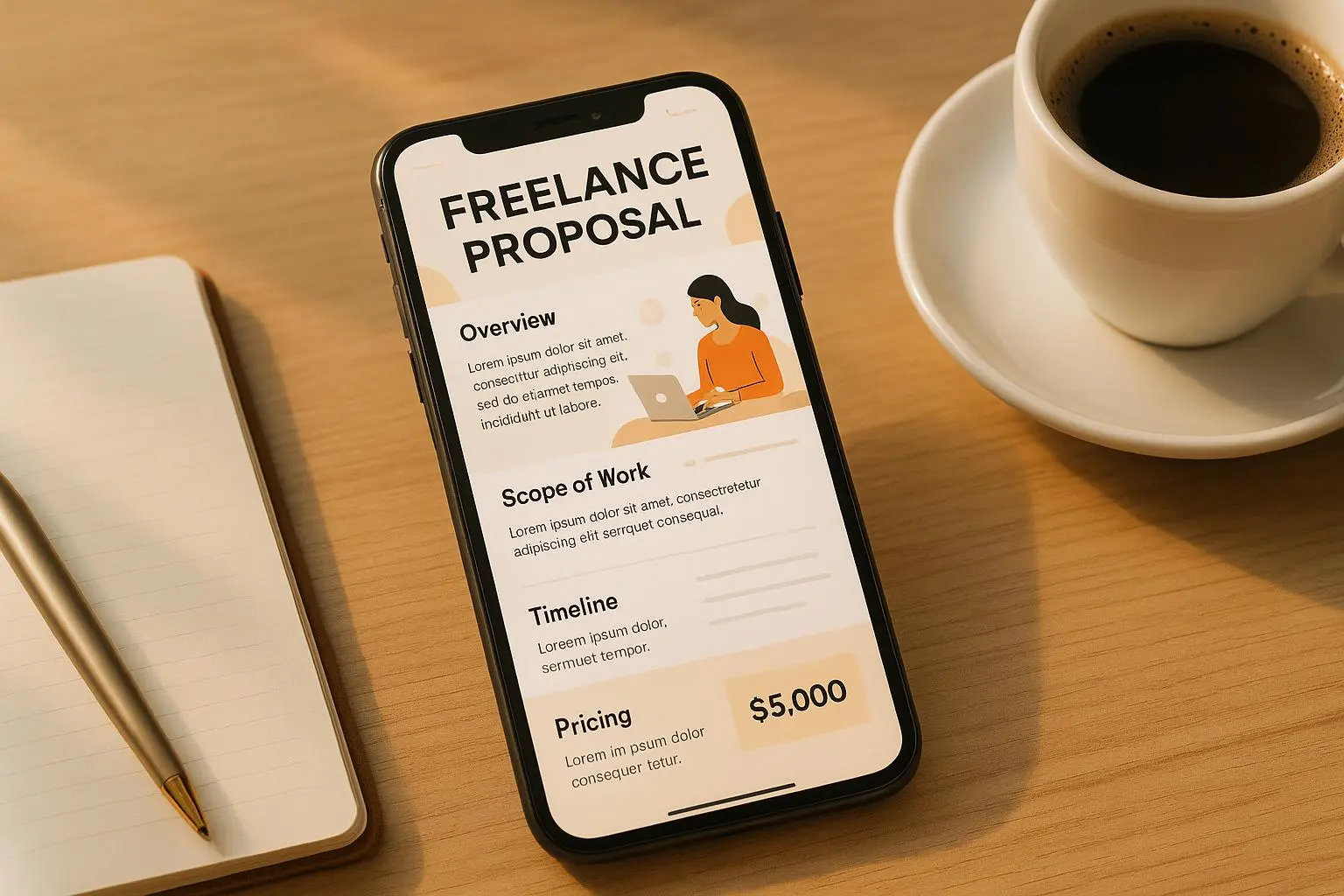
So, present your optimized project fee first, with a crisp ROI statement: “This package saves you $50,000 in avoided downtime; the price for this is $5,000.” If the client pushes back, you can justify the number because you’ve already priced in COB, tax, and the value you’re delivering. You’re not negotiating against a market rate alone; you’re negotiating against a credible forecast.
And yes, market reality matters. If your niche is currently priced 20% lower than your target, you still have choices: you can raise the client’s perceived value, adjust the scope, or seek higher-value clients. The calculator isn’t dictating your ceiling; it’s setting a floor based on honest math and real outcomes. The moment you treat pricing as data rather than guesswork, you’ll notice a quieter confidence in your voice during negotiations.
A quick example from a practical thread: a freelancer’s post about anchoring ROI to close a deal. When they walked in with a well-reasoned ROI projection and a project price anchored to it, the client’s reservation dropped dramatically. It wasn’t about trickery; it was about honesty and structure. The client could see the path to value and felt comfortable paying for it.
Putting it all together: the workflow I actually use
- Step 1: Map COB and non-billable time with a real month’s worth of data. If your non-billable time is 25% of your week, reflect that in your hours and rate targets.
- Step 2: Convert the hourly target into a value-based project price by identifying measurable client outcomes and ROI.
- Step 3: Build three service tiers, and model profitability for each in the calculator, making sure the base tier remains profitable even at the lower end.
- Step 4: Forecast taxes and net income, then adjust your gross rate until you’re hitting your desired take-home.
- Step 5: Enter negotiations with a well-supported value proposition and an anchor price that aligns with the ROI you’ve calculated.
If you want to see how these ideas hold up, look at the voices in the field: RateRider’s comment on ROI anchoring, AdminAdept’s note on non-billable time, TaxedOut’s tax warnings, CreativePro’s experience with tiered pricing, and MarketRealist’s caveat about market ceilings. The calculator doesn’t replace human judgment; it sharpens it. It gives you a reliable map to your numbers, not a bookmark for excuses.
Real stories that prove the approach works
- A designer I know shifted from a single price to three-tiered offerings. The middle tier became the most popular, and the profits climbed because the tier was scaled to reflect a realistic level of support and revision work. It wasn’t about squeezing more money out of clients; it was about exposing the value of a more complete service package. The result: a steadier income stream and less firefighting on scope creep.
- A software contractor used VBP to price a complex integration project. The client needed a clear ROI, and the contractor’s price reflected the value delivered and the risk assumed. The project closed at a price about 40% higher than the initial hourly estimate after the client saw the ROI model. That doesn’t happen every time, but it happens enough to prove the concept.
- An education consultant tracked non-billable hours for a quarter, then restructured the pricing to reflect those hours in the base rate and added a paid add-on for ongoing support. The net effect was a higher effective rate and more predictable monthly income.
A note on the micro-details that matter
- The small details matter: a precise description of outcomes, a clear timeline, and explicit revisions included in each tier make the value tangible.
- It’s not just about money—it’s about predictability. Clients value clarity on what’s included and when it’s delivered. Your calculator can model these timelines, but you’ll sell the outcomes.
- The world isn’t static. Inflation, market shifts, and new tools change the numbers. Revisit your COB, your tax assumptions, and your tier structure every 6–12 months.
The practical edges: tools and habits I rely on
- QuickBooks Self-Employed for tax estimates and expense tracking
- Toggl Track for time-tracking and to surface non-billable time
- Wave Accounting or Bonsai for invoicing and proposals
- FreshBooks for project profitability reports and client management
These tools aren’t magic; they’re scaffolding that keeps your calculator honest and your business moving forward.
A few final reflections
- Clarity beats cleverness. If your pricing is easy to explain and backed by numbers a client can follow, you’ll win more often.
- Specificity wins. The more you quantify outcomes and tie them to the client’s bottom line, the better your odds of winning the deal.
- Tenacity pays. Don’t expect big shifts overnight. The value-based approach compounds as you refine your bundles and sharpen your ROI stories.