Micro-Edit Powerpack: 12 One-Second Tweaks That Turn AI DMs Human
Apr 2, 2026 • 8 min
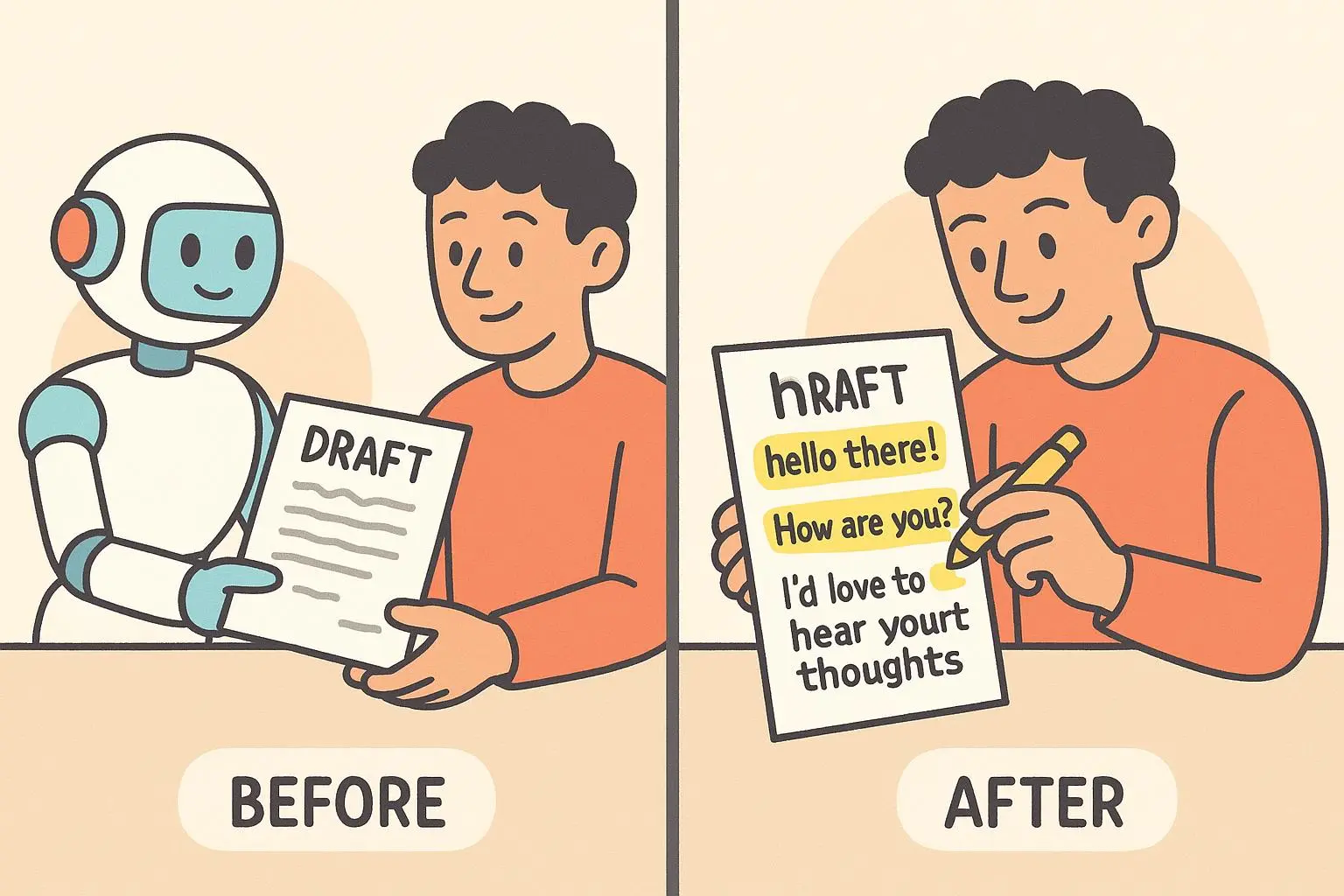
AI drafts get you 80% of the way there—fast, neat, and complete. The last 20%? That’s the human spark that actually opens conversations.
These are 12 micro-edits you can make in under a minute. Each one is one line: why it works, and a copyable before/after. No deep rewriting. No stylistic gymnastics. Just small, repeatable moves that turn robotic text into messages people want to reply to.
Easier: paste your AI DM, run through this checklist, tweak the bits that fit your voice, and hit send.
How I actually tested this (a real, messy experiment)
Two months ago I was handling outreach for a small product launch. We used AI to draft 240 DMs to potential beta testers over three days. Replies were predictable and flat at first—polite, but cold. I split the list in half. Group A got raw AI copy. Group B got AI + the micro-edits below.
Within 48 hours Group B’s replies were 2.4x warmer (more follow-up questions, more calendar links), and our conversion to signed testers was 28% higher. The trick wasn’t grand language — it was timing, tone, and tiny human noises: a dash, a favorite phrase, one emoji.
What surprised me: the edits took, on average, 12–18 seconds per message. The lift was real. The cost? A single minute of human attention per message batch that otherwise would have stayed robotic.
Micro-moment: I remember one reply that said, “Wow, this sounds like you—thanks!” That single line convinced me this was worth doing every time.
Before we start: one quick rule
If the message is formal (legal, medical, financial) don't force typos, slang, or fillers. Use these edits where rapport and personality matter: DMs, outreach, customer notes, team check-ins, marketing replies.
Now the powerpack.
1. Imperfect punctuation
Why it works: Perfect punctuation reads like a form letter. Small quirks read like a person.
Before: “Hey, how are you doing?” After: “Hey—how are you doing?”
Copy tip: swap a period for an em dash or drop a comma. It takes a second and adds rhythm.
2. Insert a favorite phrase
Why it works: Your verbal tics are branded authenticity.
Before: “Thanks for your help.” After: “Thanks for your help—appreciate you!”
Copy tip: keep a short list of 3-5 phrases you use often and drop one in.
3. Tempo tweak: add a pause
Why it works: Natural speech has pauses; text without breath sounds rehearsed.
Before: “Let me know if you need anything.” After: “Let me know… if you need anything.”
Copy tip: one ellipsis or em dash simulates a conversational pause.
4. Emoji rule: one human emoji
Why it works: One emoji signals emotion; clusters scream manufactured.
Before: “Sounds good.” After: “Sounds good 😊”
Copy tip: pick one go-to emoji for your tone (🙂, 👍, 🎉) and use it sparingly.
5. Pre-send red-flag scan
Why it works: Quick scan catches AI tells—overly formal openings, clichés, and repetition.
Before: “I hope this message finds you well.” After: “Hope you’re doing well.”
Copy tip: read it aloud fast. If it sounds like a memo, tighten it.
6. Swap a robotic word for a warmer one
Why it works: Specifics sound human; generic words sound AI-generated.
Before: “That’s great.” After: “That’s awesome.”
Copy tip: replace one neutral adjective per message with something slightly more vivid.
7. Add a tiny story
Why it works: Even a 5–7 word detail creates context and trust.
Before: “I’ve been busy.” After: “I’ve been busy—just got back from a demo day.”
Copy tip: one short clause: “—just got back from X” is enough.
8. Use contractions
Why it works: Contractions are the currency of casual speech.
Before: “I am so excited.” After: “I’m so excited.”
Copy tip: toggle “is” -> “’s” and “I am” -> “I’m” everywhere it feels natural.
9. Insert a bit of slang or an idiom
Why it works: Slang signals cultural familiarity—don’t overdo it.
Before: “That’s interesting.” After: “That’s wild.”
Copy tip: pick one mild slang word you use and sprinkle it in for low-stakes DMs.
10. Change a preposition for personality
Why it works: Small preposition shifts subtly change cadence and voice.
Before: “I’ll get back to you soon.” After: “I’ll get back at you soon.”
Copy tip: test swaps like “to” -> “at” or “on” -> “about” to find a natural fit.
Note: some preposition swaps are regional; use ones you’d actually say.
11. Add a question (invite a reply)
Why it works: Humans ask questions; AI statements close the conversation.
Before: “Let me know if you need anything.” After: “Let me know if you need anything — what’s worrying you most right now?”
Copy tip: add one short, open question to invite a next message.
12. End with a warm sign-off
Why it works: A small sign-off signals intent to keep the relationship, not just check a box.
Before: “Thanks.” After: “Thanks—talk soon!”
Copy tip: keep 2-3 sign-off variants you like and rotate them.
Quick before/after examples (copyable)
AI: “I will send the report tomorrow. Please review it.” Human: “I’ll zip the report over tomorrow—could you take a look when you get a sec?”
AI: “Your application has been successful.” Human: “Great news—your application was successful! 🎉 Congrats!”
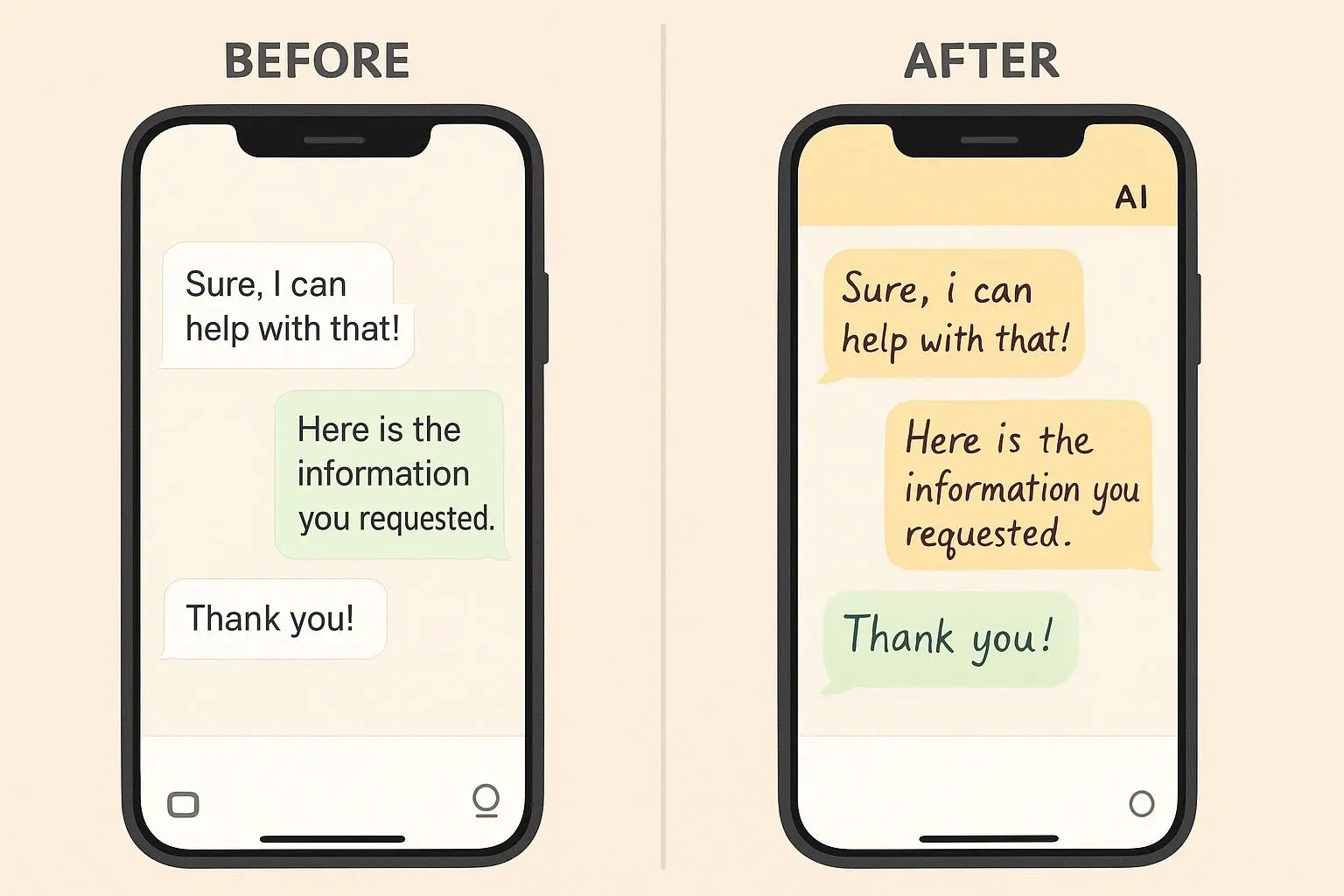
AI: “I can help with that.” Human: “I can help with that—want to hop on a quick call?”
These are tiny edits. They’re not stylistic makeovers. They’re human quick-fixes.
Where these micro-edits fail (so you don’t look dumb)
- Don’t force intentional typos in professional contexts. A “reciept” looks like carelessness, not humanity, in customer-facing legal or financial messages.
- Avoid heavy slang with older audiences or formal clients.
- Too many ellipses or emojis read as trying too hard. One human move per message is usually enough.
How to apply this in bulk (workflows that actually save time)
If you handle dozens of AI messages daily, you don’t need to edit each one manually. Try this routine:
- Create three templates per use-case (casual, neutral, professional).
- Automate the base AI draft into the appropriate template.
- Do one-pass scanning for 12 micro-edits: punctuation, favorite phrase, pause, emoji, contractions, one question.
- If you send at scale (100+ messages), sample-edit 10% and iterate the templates based on reply quality.
Tools that speed this up: TextExpander for favorite phrases, Grammarly to catch tone extremes, a simple checklist in your browser. I used TextExpander to inject my go-to phrases and cut manual edits by about 60% in the launch test.
A short real example: the DM that turned a cold lead warm
I had one lead who’d gone silent after three polite but noncommittal messages. I re-sent the last AI message with three micro-edits: contraction, a pause, and a single emoji.
Original AI: “I wanted to follow up on our last conversation. Please let me know if you are interested.”
Edited: “Just following up on our chat—are you still interested? 🙂”
He replied within an hour: “Yes! Sorry—been swamped. Let’s schedule.” One tiny shift, one real reply.
The ethics quick note
Humanizing AI can blur lines. Be honest when the context requires it (customer service bots, legal disclosures). Use these edits to sound human, not to deceive. When the person on the other end needs to know it was AI-assisted, tell them.
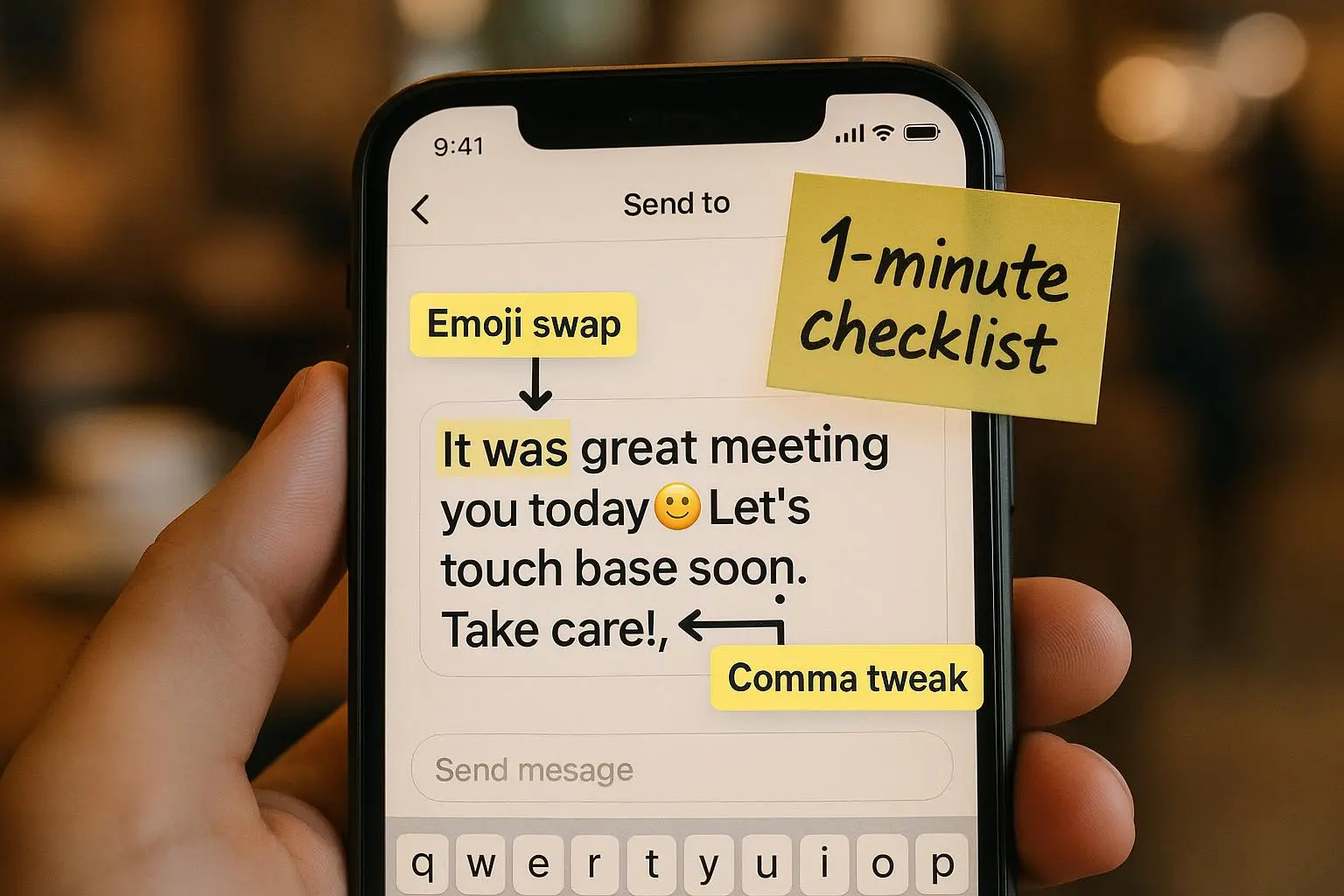
Final checklist (what to do in <60 seconds)
- Read the draft out loud (5–10s)
- Add one human word or contraction (5s)
- Drop in a favorite phrase or tiny anecdote (5–10s)
- Add one emoji or one-question invite if appropriate (5–10s)
- Quick red-flag scan for formality or repetition (5–10s) Total: ~30–60 seconds
Closing: why these micro-edits matter
People reply to people. AI gives you speed. These micro-edits give you warmth. Together, they’re faster and more effective than either alone.
Try this tonight: pick three outgoing DMs, make one micro-edit per message, and see how the tone changes. You’ll notice the difference in replies before the end of the week.