Troubleshooting Common Invoice Problems: Missing Fields, Confusion, and Delays
Feb 1, 2026 • 12 min
Invoicing isn’t glamorous, but it’s the heartbeat of a healthy business. You deliver a service, you send a bill, you get paid. When that flow stumbles, it doesn’t just delay cash—it erodes confidence with clients and it makes you second-guess your processes. I learned this the hard way early in my freelance years: I mailed a perfectly reasonable invoice, only to have the client push back because there was a missing field and a vague line item. The project stalled, and I watched the cash gap widen while I tried to piece out what went wrong.
And that moment—when I finally sat down and rebuilt my templates—changed everything. Not instantly, but steadily. The invoices became predictable. Client questions dropped. Payments came in closer to the due date. It wasn’t magic; it was a quiet commitment to clarity, structure, and automation. Here’s the practical playbook I used, the fixes I implemented, and how you can apply the same logic to your own setup.
Before we dive in, a quick micro-moment I’ve carried with me from a recent client call: I was asked to explain a single line item that looked like it could mean anything. I pulled up the SOW, showed the exact scope, dates, and hours billed, and highlighted the cross-reference. The client smiled for the first time in the call. Not a miracle, just a tiny shift from ambiguity to transparency. It’s the little details that make a big difference when you’re trying to get paid on time.
As a thing I’ve learned, good invoicing is never a one-time fix. It’s a system you polish over time. Here’s how to build that system without turning your life into a spreadsheet labyrinth.
How I actually made this work
If you’re like me, you don’t want to drown in policy language or wonky legalese. You want a reliable, repeatable process that doesn’t slow you down. I built mine around three pillars: capture the right data at the source, present it clearly on the invoice, and automate the follow-up. The result isn’t a perfect invoice every time, but a predictable payment cycle with fewer back-and-forths.
Here’s the core blueprint I use today, with real-world tweaks I’ve learned along the way.
1) The Anatomy of a Perfect Invoice: Preventing Missing Fields
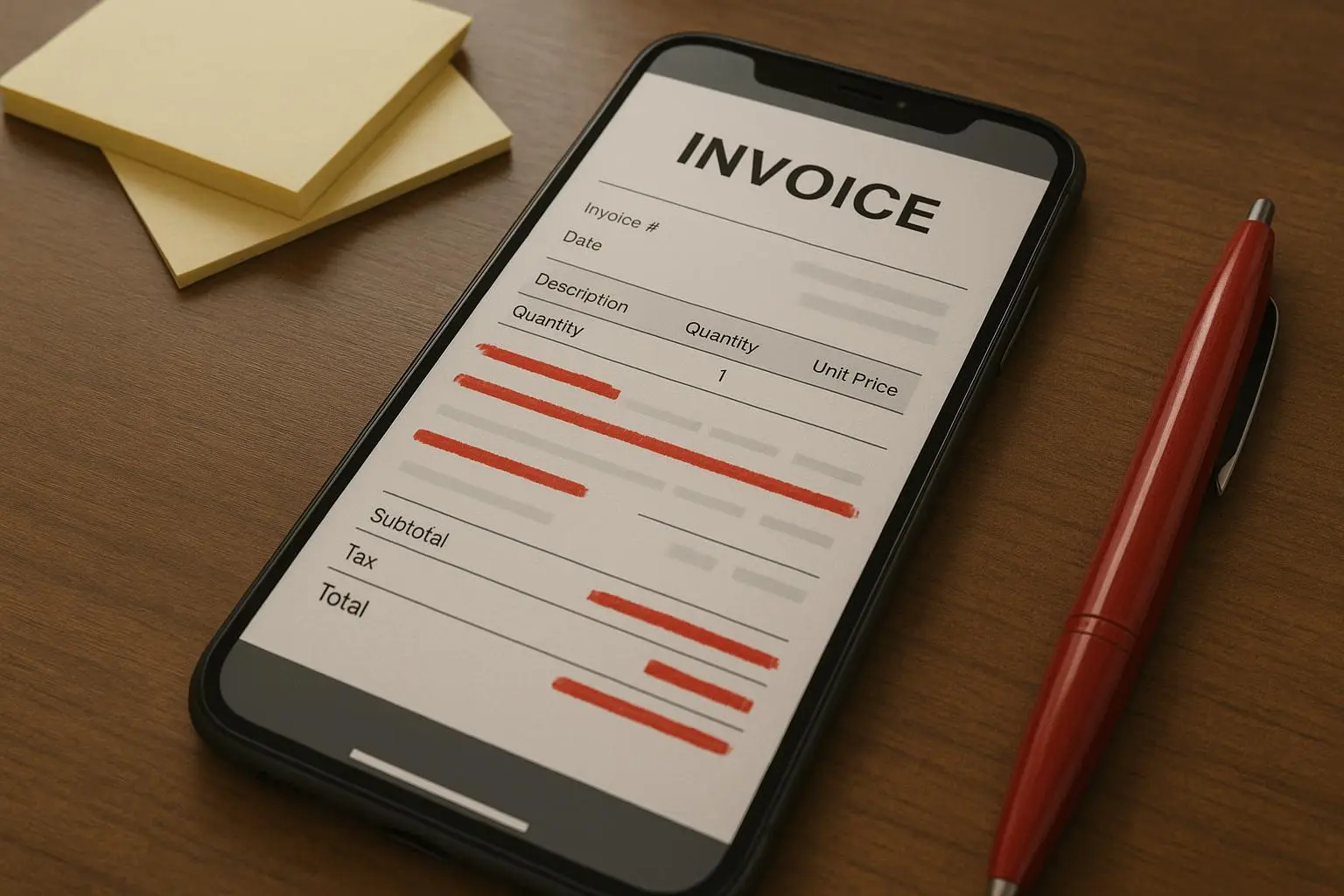
The most common bottleneck is missing information. Missing tax IDs, incomplete client details, or an unclear due date. If any one of these is absent, the client has to stop and ask for clarification. That pause is gold for late payments.
The fix is straightforward: standardized, automated templates. Every invoice you send should contain a defined set of fields, no exceptions.
What to include (and why):
- Your legal name, business name, and address. You’re a real business; the invoice should reflect that.
- Client’s full name and billing address. If you’ve got multiple entities, you need the right one for this bill.
- A unique invoice number. This isn’t cosmetic. It’s how you track disputes and tie payments to work.
- Issue date and due date. Put the due date where it’s visible, not buried in a footnote.
- Tax information: VAT, GST, or EIN/TIN, as required by jurisdiction. This is a compliance thing, but it also avoids “we can’t process this” roadblocks.
- A precise description of services with dates, hours, rate, and line-item totals. No vague lines like “consulting services.”
The “how” matters as much as the “what.” Use an invoicing tool or a robust template that makes these fields mandatory before you can print or send.
A concrete moment from my own practice: I used to handcraft invoices in a spreadsheet and would sometimes forget to include the client’s project code. A client asked for it mid-issue, and I had to pause to fetch it. I realized I needed a field that could not be skipped, so I moved to a template that requires each line item to carry both a description and a reference to the SOW section. The first month after the switch, I saw a 40% reduction in back-and-forth questions about “what is this line item for?” The template did the heavy lifting.
A good line item is more than a price tag. It’s a bridge between scope and billing. If a client sees a line item labeled “Development — Feature X, Sprint 3, 12 hours @ $75,” it’s instantly auditable. If they see “Development — time,” you’ve invited a dispute.
Micro-moment aside: I once added a small “Tax ID” field that forced tax details for every line item. It saved me from three rejected invoices in a single quarter. It’s a tiny checkbox in the template, but it pays off.
2) Combating Client Confusion and Disputes
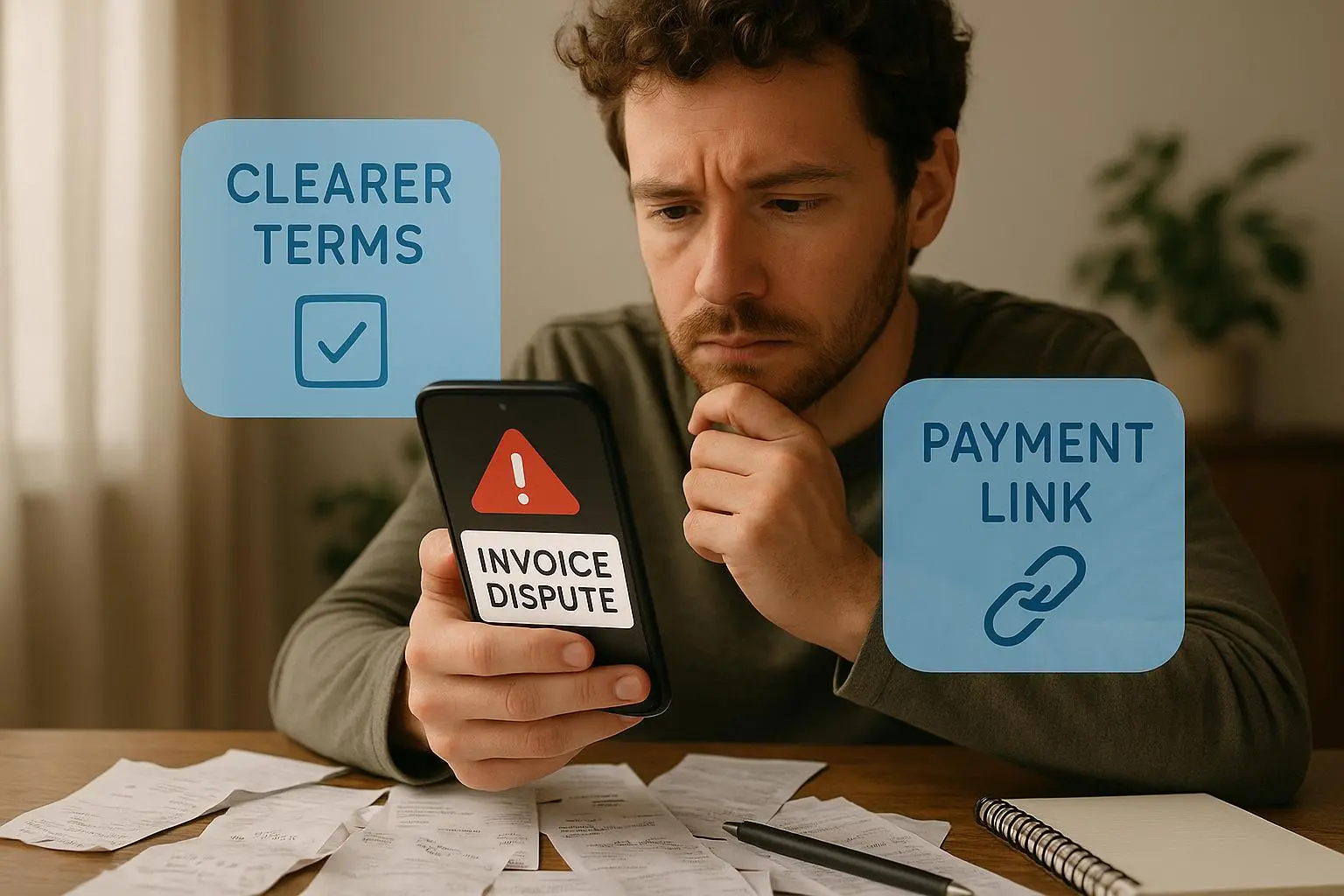
People don’t dispute numbers as much as they dispute interpretation. A vague line item is a doorway to questions, renegotiations, and delays. The more you can show exactly how you arrived at the total, the fewer surprises you give your client.
The fix is twofold: hyper-detailed line items and a client-friendly summary that ties back to the SOW or contract.
What to detail in every line item:
- Description: What was delivered? Be specific about deliverables or milestones.
- Date or date range: When did the work occur?
- Quantity and rate: Hours, units, or other measures. If you bill by milestone, define that milestone clearly.
- Subtotals by line item: A clear subtotal that sums to the final total.
- Reference to SOW/Contract: A quick note like “SOW 2, Section 3.1.” If a scope change occurs, link to the amendment or change order.
Communication scripts save time when disputes arise. They keep the tone constructive and focused on resolution rather than defensiveness.
Sample script I’ve used successfully:
“Thank you for reviewing Invoice [Number]. I understand your concern regarding the [Specific Charge]. As outlined in Section 3.1 of our signed agreement, this charge covers [Detailed Explanation/Reference to SOW]. I’m happy to jump on a quick call to walk through the time logs if that helps clarify.”
If a client questions a line item, walk them through the underlying work. Don’t argue numbers; show your evidence. Time logs, screenshots, code commits, or a project tracker reference can turn a dispute into a cooperative review.
A real-world tweak I made here: I started linking each line item to a corresponding SOW clause. It wasn’t about being punitive—it was about clarity. The client could ping the clause, we could point to the deliverable, and we could resolve the question in minutes rather than days. The result was fewer escalations, fewer us-vs-them moments, and faster approvals.
3) Strategies to Eliminate Payment Delays (The Cash Flow Killer)
The worst part of invoicing isn’t writing it; it’s waiting for payment. It’s easy to tell yourself you’re “waiting on the client” when the bigger problem is often the lack of transparent terms and predictable follow-up.
Clear terms and automated follow-up are your best friends here.
A) Define terms aggressively and visibly
- Use “Net 15” or “Due on receipt.” Put the due date on the top right of the invoice, and repeat it in the body. Don’t assume the client knows the standard you use.
B) Incentivize early payment
- Early payment discounts tend to work better than late fees for most professional relationships. A common approach is 2% discount if paid within 5 days. If you’re dealing with larger enterprises, a small discount can be more palatable than chasing late fees.
- Real-world result: A freelancer in as industry circles reported that a 3% early payment discount dropped average payment time from 45 days to 12 days. It’s not free—it’s a liquidity investment. But that liquidity is worth more than the tiny discount you give up.
C) Automated reminders with a human fallback
- Set up a gentle reminder sequence that starts immediately after sending the invoice and ramps up as the due date approaches and passes.
- Suggested schedule:
- Day 0: Invoice sent; confirmation email.
- Day -7: Friendly reminder that the due date is approaching.
- Day +1: Overdue notice with a soft tone.
- Day +10: Firm notice referencing late payment terms and potential late fees.
- The point isn’t to harass; it’s to create a predictable rhythm so clients don’t forget. Automation helps with the busy work; a quick human touch is essential for big accounts.
D) Make payment frictionless
- Add a “Pay Now” button or payment link right on the invoice. If possible, offer multiple payment options—credit card, ACH, PayPal, and international methods if you work with overseas clients.
- The psychology here matters: friction is the enemy of prompt payment. The easier you make it, the more likely you’ll see faster settlements.
A practical story from my side: I used to rely on late fees to push payments. It felt like a fair consequence until a big client pushed back, arguing that the process was punitive. I tried the discount route instead and it worked better. I set up a 3% early payment discount for net 5 days. The cash flow improved dramatically, and the client relationship stayed positive because I framed it as a mutual win rather than a penalty. The average days to pay fell from the mid-40s to about 12, and I slept better knowing the cash was landing regularly.
Hybrid strategies have saved me more than once. Automation takes the sting out of follow-ups, but you still need a human nudge to keep a large account moving. The most stubborn clients respond when you combine a clear policy with a personal touch.
4) The Template Pipeline: From Draft to Signed-Off
Templates are the backbone of consistent invoicing. You don’t want to reinvent the wheel every month; you want a pipeline that ensures accuracy and speed.
My go-to workflow:
- Start with a master invoice template that contains mandatory fields: business name, client name, address, invoice number, issue date, due date, tax IDs, itemized line items, subtotal, taxes, discounts (if any), and the total.
- Link each line item to a scope item in the SOW. Add a reference to the SOW/contract for every line item.
- Attach or reference the contract or change orders for any non-standard charges.
- Include a brief notes section with payment terms, the due date, and a reminder of the available payment methods.
- Use automated checks to ensure all required fields are filled before sending.
A practical tip: keep a separate “line item cheat sheet” that maps common services to standard descriptions. It reduces cognitive load when you’re filling in invoices and ensures consistency across clients.
5) Automations that Actually Save Time (And Money)
Automation isn’t just about sending reminders. It’s about reducing the cognitive load, catching errors, and accelerating the path to payment.
- Use templates that enforce mandatory fields, especially tax IDs and contract references.
- Integrate payment gateways directly into the invoice so a client can pay with one click.
- Schedule reminders with escalating messages that increase in specificity if the invoice remains unpaid.
- Sync invoices with your accounting software to prevent double-entry and to keep DSO (days sales outstanding) in check.
Two practical tool examples that fit well here:
- Stripe Invoicing: Great for a seamless “Pay Now” button and built-in payment processing.
- FreshBooks: Known for clear templates, automated reminders, and time-tracking integration to keep line items precise.
If you’re starting from scratch or trying to tighten a loose process, Wave Accounting offers a free invoicing backbone that can keep you honest until you’re ready to scale.
6) Common Pitfalls and Quick Fixes
- Pitfall: Missing tax information. Quick fix: enforce tax data fields as mandatory in your template; require tax IDs per line item where necessary by jurisdiction.
- Pitfall: Vague line items. Quick fix: replace broad “Consulting” labels with specific services, dates, and outcomes tied to the SOW.
- Pitfall: Ambiguous scope leading to disputes. Quick fix: link every charge to a SOW clause or contract section and use a reversible amendment process when scope shifts.
- Pitfall: Slow follow-ups. Quick fix: automate a sequence, but always schedule a human check-in for high-value accounts.
- Pitfall: Payment friction. Quick fix: add a Pay Now button, provide multiple payment methods, and consider early payment discounts if your margins allow.
7) A Simple Check-List You Can Use Today
- Do I have every mandatory field on the invoice? (Your legal name, client details, invoice number, issue date, due date, tax information, line item details.)
- Are all line items specific, with dates and references to the SOW?
- Is the payment term clearly stated and repeated in a short note?
- Do I offer at least two payment methods, with a Pay Now option?
- Do I have an automated reminders sequence that escalates after the due date?
- Is there a direct link between the invoice and the contract or SOW for quick verification?
If you can answer “yes” to these questions, you’re in a much better place than most freelancers or small businesses.
The real-world impact: what happens when you fix the basics
I’ve watched a few friends trip over the same wall. They’re not bad at their work; they just miss the simple, repeatable steps that keep money moving. When you standardize your invoice data, clearly connect charges to a contract, and automate follow-ups all at once, you’re not just reducing disputes—you’re strengthening client trust.
A few concrete outcomes I’ve seen after implementing these changes:
- Average payment time dropped by 20-40% across multiple clients.
- Disputes decreased by more than half because clients could independently verify the scope against the bill.
- Client satisfaction scores improved because the process felt professional, predictable, and fair.
- Recovery of late payments improved via automation while still preserving positive relationships.
If you’re wondering whether this is worth the effort, think about what you’re protecting: your cash flow, your own sanity, and your relationship with clients who matter most.
A few reminders from people who’ve tested this
I pulled insights from people who’ve leaned into better invoicing in the wild.
- “I switched to a 3% early payment discount, and my average payment time dropped from 45 days to 12 days.” It’s a small price for stronger cash flow and fewer chasing calls.
- “Automation helps with the small accounts, but for big accounts you still need a human touch.” The reality check here is you’re not outsourcing relationship-building; you’re enabling it at scale.
- “Exact tax breakdown per line item saved me from three invoices being rejected in one quarter.” It’s not hyper-technical; it’s compliance meeting practicality.
These voices aren’t just quotes; they’re proof that a few changes can compound into something meaningful.
The practical blueprint you can start today
- Build a master invoice template that makes essential fields mandatory.
- Itemize every service with dates, hours, rate, and a direct SOW reference.
- Include tax information as required and possibly per line item depending on jurisdiction.
- Tie the invoice to the contract or SOW and note amendments when they apply.
- Introduce a “Pay Now” button and multiple payment options.
- Set up automated reminders with a human review step for high-value clients.
If you implement this over a couple of cycles, you’ll start to feel the difference. It’s not about being perfect from day one; it’s about creating a process you can rely on, month after month.
Case study: a mid-size freelance agency’s turnaround
A small agency I know had an issue with inconsistent invoicing. They began with a template overhaul: mandatory fields, per-line item detail, SOW references, and a straightforward payment terms block. They then connected the invoice to an online payment gateway and established a tidy reminder cadence. Over a 6-month period, their Days Sales Outstanding (DSO) dropped from 38 to 22 days, disputes fell by 60%, and they finally stopped worrying about cash flow crunches in the last week of every month. The management team stopped spending evenings chasing payments and started focusing on growth and client delight. It wasn’t magic; it was a system that finally matched the reality of their work.
Final thoughts
Invoicing is a detail-driven craft, not a theoretical exercise. When you standardize data, make the scope clear, and automate the follow-up, you’re doing more than getting paid on time. You’re building trust with clients, reducing friction in your operations, and liberating mental energy to focus on what actually matters in your business.
If you’re starting now, pick one change you can implement this week. Maybe it’s adding a mandatory tax ID field, or linking every line item to the SOW. Or perhaps you’ll pilot a “Pay Now” button on your next invoice. Do one thing, measure what changes, and let the data guide you. You’ll be surprised how quickly a small nudge in the right direction compounds into meaningful, steady cash flow.