Troubleshooting the Pet Risk Calculator: Fix Input Errors and Misread Scores
Apr 3, 2026 • 9 min
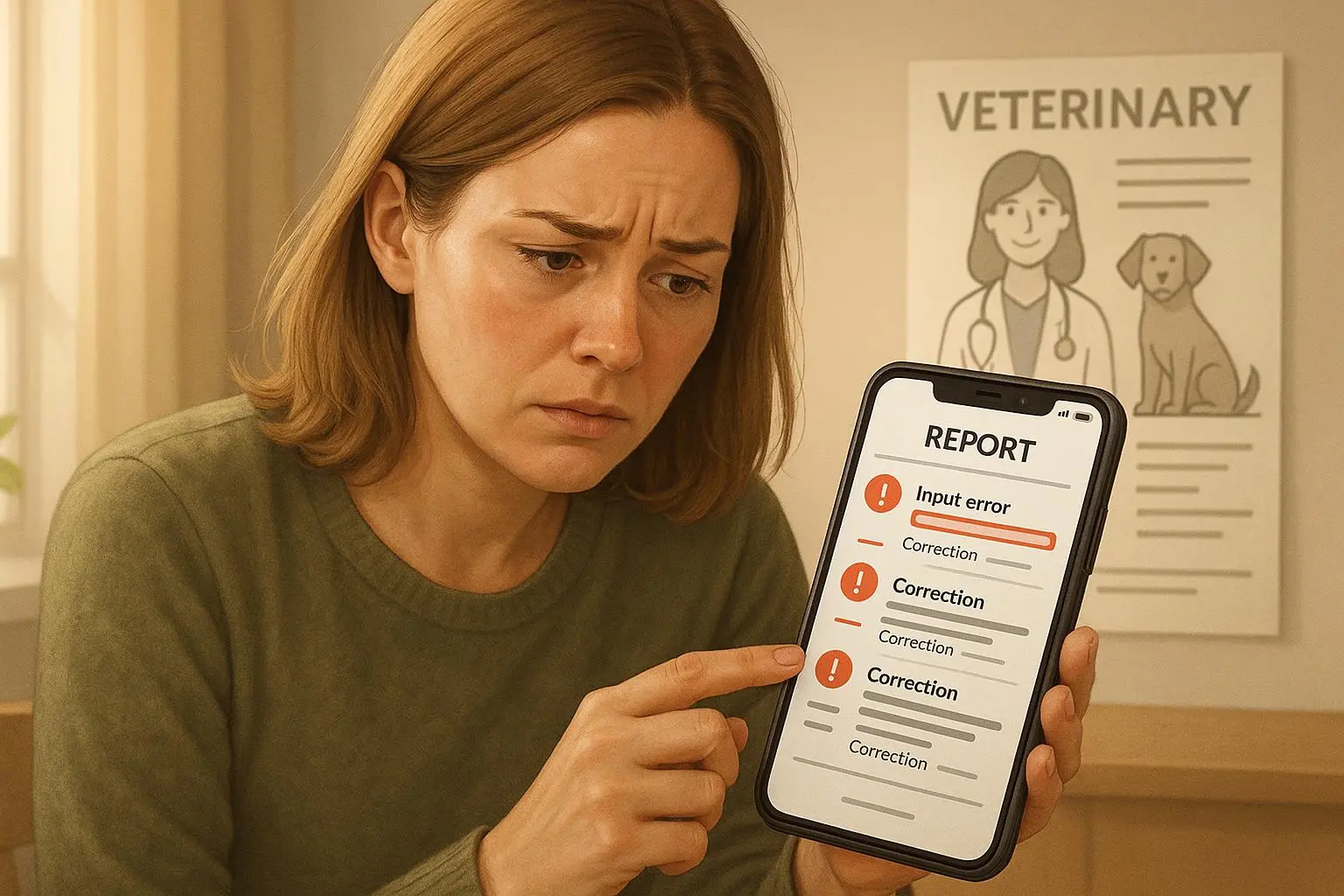
You ran the pet risk calculator and it spit back a number that made your heart drop. Before you call the emergency clinic or toss out the kibble, breathe. Most of the time, the problem isn’t the math—it’s the inputs.
I use these tools all the time: as a pet owner, and when helping friends interpret their pet health reports. They’re great at flagging potential problems early, but they’re also fragile. Feed them sloppy data and they’ll shout false alarms. Feed them careful measurements and they’ll give you a useful, actionable probability—not a verdict.
This post walks through the common mistakes I see, how to fix them step-by-step, what those scores actually mean, and when you should stop troubleshooting and call a vet.
Why inputs matter more than you think
Risk calculators turn many messy things—diet, water, activity, blood values—into a single number. That number is only as honest as what you put in.
I’ll be blunt: owners consistently undercount treats, overestimate hydration, and forget baseline blood work. Those three errors alone can swing a risk score from “low” to “alarmingly high.” The numbers below come from veterinary guidance and frontline stories; they’re not theoretical.
A few rules to keep in mind:
- Measure, don’t guess.
- Track over multiple days for averages.
- Remember the score is probabilistic, not diagnostic.
The usual suspects: inputs that break the calculator
1) Diet entries and calorie creep
This is the number-one mistake.
Owners forget treats, supplements, chews, and human food. Those little extras add up—often 10–20% of a pet’s daily calories. One Reddit user realized she’d been overfeeding by 150 calories a day after finally weighing dental chews. That was enough to push her dog into a high obesity-risk band.
Do this instead:
- Use a digital kitchen scale. Measure the dry food by grams, not scoops.
- Log every treat, dental chew, and topper. Yes, every one.
- If the app asks for calorie intake and you only have portion size, use the calorie-per-gram on the bag to convert it.
A practical trick: weigh the bowl full, then weigh the empty bowl. Subtract. Do this for every meal for three days to get a reliable daily intake.
If you’re dealing with working breeds, standard “activity” dropdowns often underserve you—more on that below.
2) Misestimated water intake
Water matters for renal and urinary risk calculators. It’s simple in theory but annoying in practice—especially with multiple pets, outdoor drinking, or spillage.
Guideline: a typical dog drinks about 1 ounce of water per pound of body weight per day. So a 50 lb dog needs roughly 50 oz (about 1.5 liters) daily[1]. Cats vary more, but dehydration or unusually high intake are red flags.
How to measure it properly:
- For 24 hours, measure water offered and water left. The difference is consumption.
- Do this for three consecutive days and enter the average.
- If pets share bowls or sip from puddles, isolate one pet for a day or use a single bowl to get a baseline.
If you can’t measure it, don’t guess wildly. Use a “best estimate” with a clear note in the app (if it supports notes) and escalate to your vet if results look off.
Micro-moment: I once filled three bowls in my kitchen and watched the greyhound lap from one, the terrier dunk his face into another, and the cat prefer the tap. That 20-minute observation told me water tracking wasn’t going to be neat.
3) Baseline values and historical data
Risk models often rely on previous blood tests—creatinine, BUN, SDMA for kidney risk; lipids or glucose for metabolic risk. If you skip those fields, the calculator usually defaults to conservative (higher-risk) assumptions.
Common scenario: an owner doesn’t enter bloodwork from six months ago, gets a high renal risk score, panics, and rushes to the clinic. The vet then runs a targeted panel and finds everything within expected ranges. Panic avoided, but time and money wasted.
Fix:
- Pull previous blood work from your vet and upload or transcribe the exact values.
- Enter the date of the tests—labs change over time.
- If you don’t have prior labs, treat the calculator as a screening tool that recommends real diagnostics.
4) Activity level isn’t a checkbox, it’s a unit
Saying your dog is “active” means different things to different people. A three-hour working session for a border collie is not the same as a 30-minute fetch in the yard.
If the calculator asks for activity, standardize:
- Use minutes of intense activity per day (e.g., herding, agility, running).
- If you own a tracker (like Tractive), use its minutes active to populate the field. Objective numbers beat subjective labels.
- For working breeds, add a note: “3 hours of intense activity/day” rather than “very active.”
5) Transient factors and timing
Stress, exercise, and recent medications can temporarily skew measurements. Entering resting heart rate taken right after a vet visit or blood collected after a long walk can inflate risk.
Before you collect physiological data:
- Let your pet rest for 30–60 minutes in a calm environment.
- Take measurements at roughly the same time of day for repeat checks.
- If the animal was ill, stressed, or on new meds recently, document that in the app or notes.
Interpreting the output: what the score actually means
Here’s the thing: a “high” risk score is a probability, not a diagnosis.
A 70% risk means your pet matches 70% of identified risk factors. It doesn’t guarantee disease. It means you should act like you know there’s a problem worth checking.
Two crucial interpretation rules:
- Treat the score as a nudge toward diagnostics or lifestyle change—not an emergency in itself.
- Use the calculator to prioritize follow-ups. If it flags renal risk, schedule bloodwork and hydration adjustments first.
I’ll repeat it because owners miss it: clinical signs trump numbers. If your pet is lethargic, vomiting, or drinking excessively, go to the clinic regardless of what the calculator says.
Transient vs. chronic influences
Temporary events—stress, exercise, short-term meds—can push the score up. If the inputs included a stressed-state measurement, repeat data collection under calm conditions and rerun the calculation.
Also watch for small, persistent issues: an extra 100–200 calories every day will change weight and blood markers over months. That’s the slow creep these calculators are best at catching early.
A real story (what I did and learned)
When my neighbor adopted a five-year-old lab, she used an online obesity risk calculator and got a high score. She was convinced the shelter had misled her about portion sizes. I helped her run through the inputs.
We measured the kibble with a scale—42 grams per meal, not the 60 grams she thought. We logged training treats: fifteen tiny pieces during a week of reinforcement training (roughly 180 calories total). We weighed the dental chews: two a day at 35 calories each. Total uncounted extras added up to 220–250 calories daily.
After adjusting the inputs and rerunning the calculator, the obesity risk dropped from “high” to “moderate.” We changed portions, replaced chewy treats with low-calorie options, and tracked weight weekly. In six weeks the dog lost 3.2 pounds and his activity improved. The calculator’s early warning pushed us to act before joint stress or insulin issues developed.
What I learned: people aren’t deliberately misleading—measurement defaults and assumptions are the enemy. A digital scale and a three-day log saved us from unnecessary worry and a potential health decline.
When to escalate: call a clinician
Work through the input checklist. If the score stays high, escalate.
Call your vet in these situations:
- The calculator flags “high risk” for serious conditions (cardiac, renal) even after you’ve fixed input errors.
- You don’t have reliable baseline labs (vet can order them).
- The score conflicts with clinical signs (e.g., low risk but your pet is clearly unwell).
- You can’t standardize an input (e.g., you truly can’t measure water intake with multiple pets).
What the vet will do:
- Order diagnostic bloodwork and urinalysis.
- Help standardize ambiguous inputs (activity, supplements).
- Translate probability into a plan: monitoring, lifestyle tweaks, or immediate treatment.
If you’re shopping for recommendations or want targeted preventative steps, ask the clinic to provide the reference ranges for the tests (creatinine, BUN, SDMA) and to advise how often to repeat them based on your pet’s age and condition.
Tools that make inputs easier
You don’t have to do this by hand. A few tools I’ve seen help owners give better inputs:
- Digital kitchen scale for food portioning (measure grams, not scoops).
- Activity trackers (Tractive or similar) to feed objective activity minutes.
- Pet calorie apps that let you log treats and convert volume to calories.
- Use your vet clinic’s records or apps (PetDesk) to pull prior bloodwork.
These reduce guesswork and make reruns of the calculator meaningful.
Quick troubleshooting checklist (do this before you panic)
- Did you weigh every meal and treat? If not, measure for three days.
- Did you accurately measure water consumption over 24 hours for three days?
- Did you enter previous bloodwork and the dates it was taken?
- Were physiological measurements taken while the pet was calm and rested?
- Did you describe activity as minutes or hours of intensity, not just “active”?
If you answer “no” to any of the above, correct the inputs and rerun.
Final thoughts: use the tool, don’t worship it
Pet risk calculators are excellent early-warning systems. They help you prioritize tests and lifestyle changes. But they’re not replacement diagnoses and they’re highly sensitive to the small, human mistakes we make every day—treats, spilled water, and vague activity descriptions.
Treat them like a smoke detector: if it beeps, investigate. Don’t tear down the house because of a false alarm, but don’t ignore it either.
If you want to be proactive: get a scale, track water for three days, ask your vet for baseline labs, and keep a simple log. That’s the difference between anxiety and action.
References
Footnotes
-
American Animal Hospital Association (AAHA). (2019). AAHA Nutritional Assessment Guidelines for Dogs and Cats. Retrieved from https://www.aaha.org/aaha-guidelines/nutritional-assessment-guidelines/ ↩