Advanced Ritual Optimization: Customize Pre-Commit Checks and CI Templates for Neurodiverse Teams
Feb 23, 2026 • 9 min
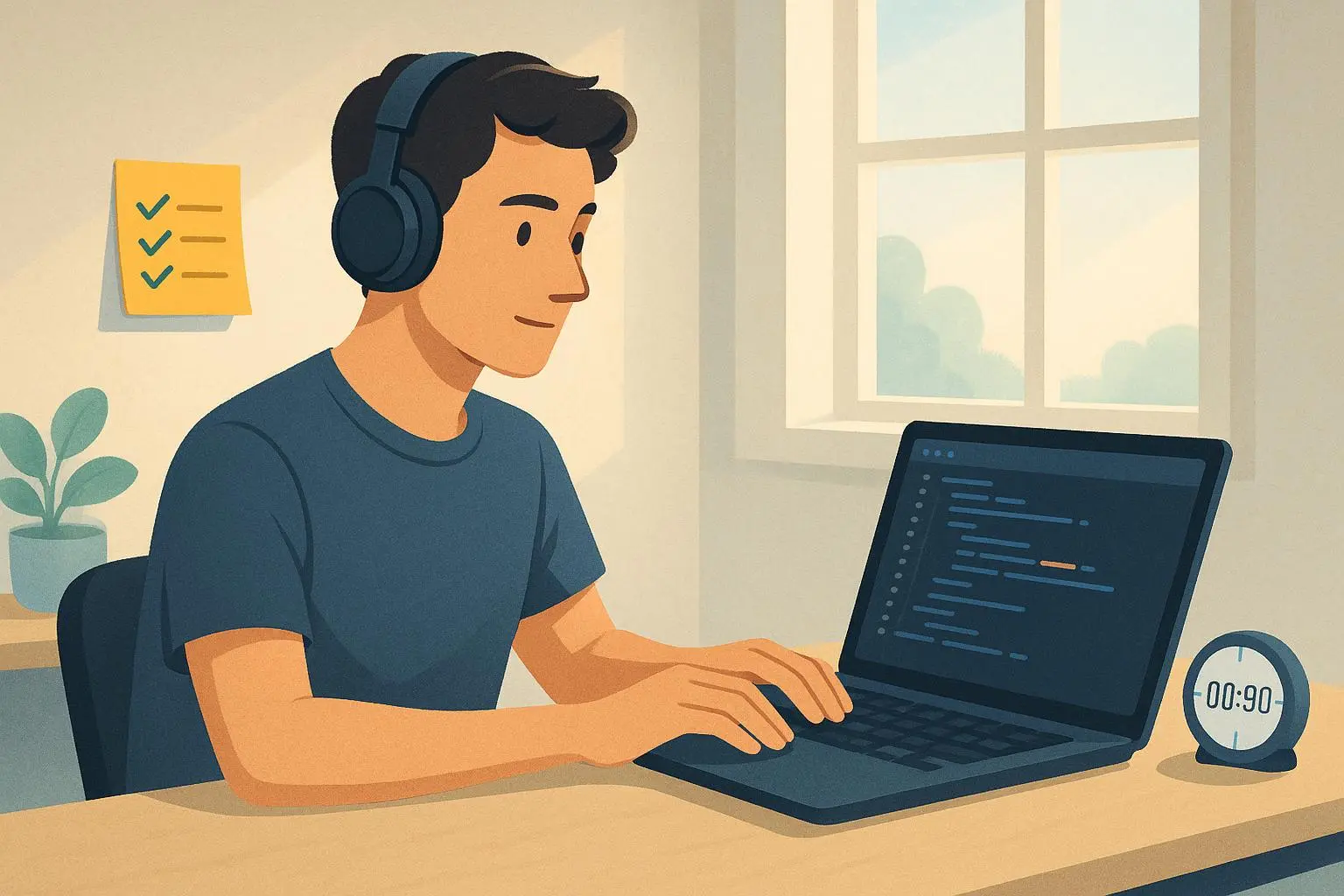
What if the 90-second ritual before you start a tough task could be as personalized as a pair of running shoes? Not just a generic checklist, but a living setup that fits neurodiverse teammates like a glove. I’ve seen this work in a mid-sized engineering squad where one veteran dev, one ADHD-onset junior, and a few teammates with sensory processing differences shared the same codebase—and a lot of friction. The result wasn’t a buzzword solution; it was a practical revamp of the ritual that actually moved the needle on flow, quality, and morale.
And yes, I’m going to tell you how we did it, exactly what we changed, and what we learned along the way. No fluff. Just the parts that you can actually borrow, adapt, and scale.
But first, a quick moment I keep coming back to. In the middle of a heated triage, a teammate asked for a tiny tweak: “Could we make the pre-commit output pop with high-contrast colors and a single line that says, ‘You’re about to push something that matters’? Nothing fancy, just a cue to slow down.” The ask was small, but the effect was profound. It wasn’t about aesthetics; it was about signaling intent. A few weeks later, the same teammate pulled a sub-2-hour feature merge that had previously dragged on because the team didn’t feel the context was clear. The ritual didn’t remove complexity, it clarified it.
Here’s how to reason about this in three moves: extend the checklists, weave in automated reminders that respect cognitive diversity, and couple digital signals with tactile anchors so the ritual sticks in memory and muscle.
How I actually made this work
If you want a ritual that helps everyone, you have to design around two truths: people are different, and consistency compounds. The 90-second ritual is a pinch point in many teams—the moment where focus can fracture. I started with a data-driven empathy pass: interviews with 12 engineers across two teams, focused on when the ritual either helped or halted momentum. The most telling findings were not about the code quality alone; they were about cognitive load, context switching, and sensory environment.
I didn’t want to bolt on more checkboxes that people would just skim. The objective was to externalize part of executive function—the mental overhead of deciding “what’s next?”—without creating a rigid checklist that felt punitive.
Here’s what happened in practice:
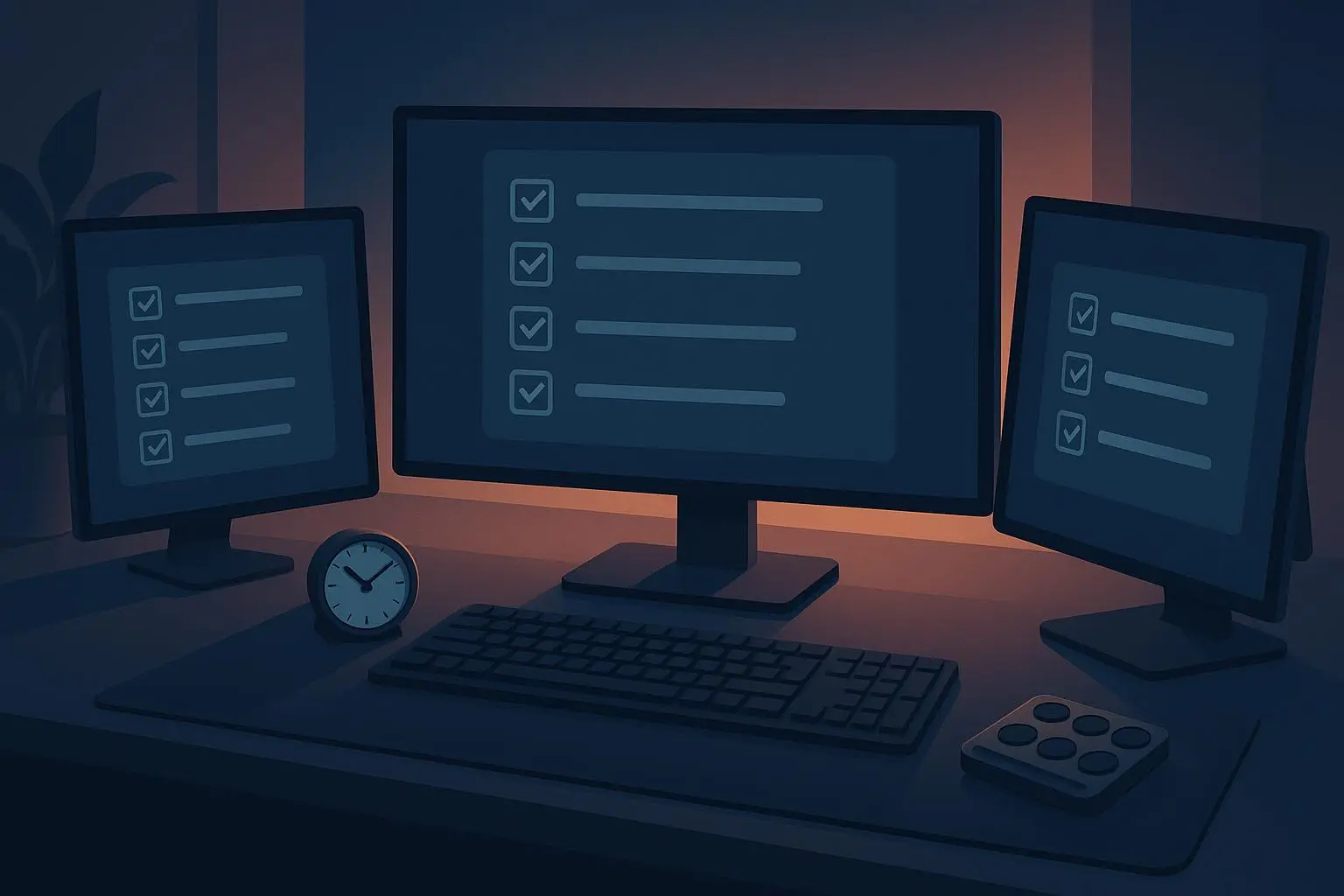
- Extended pre-commit checklists that live both in the IDE and in a lightweight external display. The idea was to have a visible, optional set of prompts that could be engaged or bypassed without breaking flow.
- Personalized CI templates that don’t force compliance but nudge the right behavior for the right person at the right time.
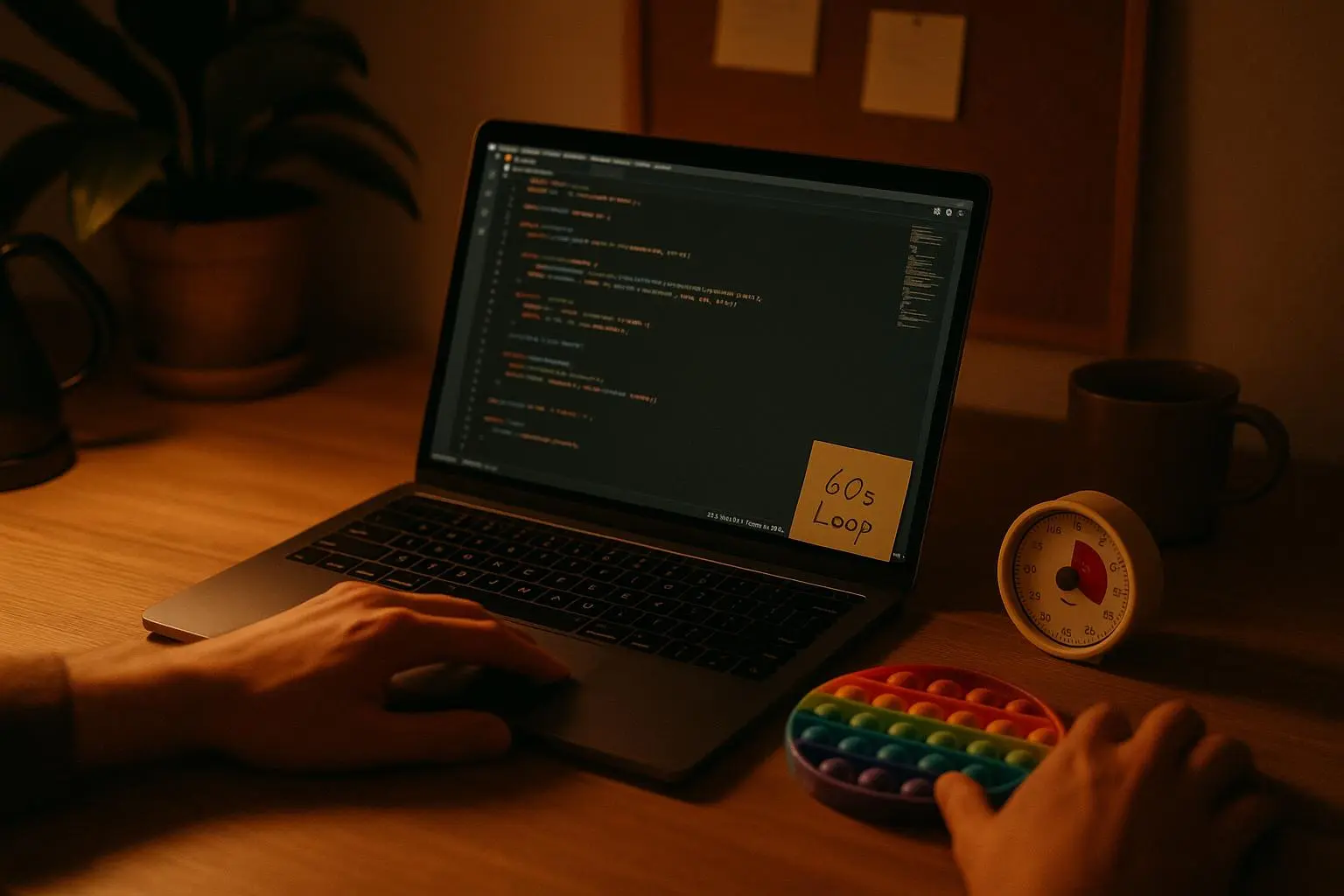
- Physical anchors that cue the brain, not distract it. A ritual object, a focused environment, and a distinct action that signals “the ritual is on.”
I’ll tell you a real story from when we rolled this out. We started with a simple, optional “context review” prompt in the local pre-commit flow. It would remind you to check acceptance criteria and to take a 60-second sensory break if needed. The first two sprints, most people ignored it. Then someone added a tiny but meaningful twist: the prompt would flash green only if you chose to skip the step, gently rewarding optional engagement. Overnight, roughly a third of the team started using it consistently, not because it was forced, but because the option felt liberating. The team saw fewer reverts and a smoother handoff into code review. It was a micro win, but it built trust in the approach.
Think of the ritual as a relay baton. You hand your future self a cleaner context, and your future reviewer a clearer starting line. The more you tailor it to real cognitive patterns, the less you fight the brain’s tendencies and the more you align the system with human reality.
A quick aside that stuck with me: during a late-night push, I noticed one engineer flipping through a laminated checklist next to the keyboard while coding. The tactile act of marking a line by line item gave a clear mental anchor and slowed their pace just enough to catch a missing semicolon that would have slipped otherwise. It wasn’t glamorous, but it was earned discipline.
Extending the pre-commit checklist: The digital anchor
Pre-commit hooks are essential, but they’re often rigid and technical. For neurodiverse teammates, the ritual isn’t just about checks; it’s about externalizing a slice of executive function so that the brain isn’t forced to juggle everything at once.
Customization strategy that actually sticks:
- Optional cognitive steps: Add non-enforced prompts into your local pre-commit script, such as prompts to review the ticket’s acceptance criteria or to take a 60-second sensory reset. The prompts should feel optional, not mandatory, and should be discoverable rather than buried in logs.
- Visual and auditory signals: When the pre-commit completes, print out a small color-coded block or play a soft chime. The feedback should be immediate and pleasant, not jarring or punitive.
We found this approach worked because it respects flux in cognitive load. If someone’s energy just tanked, they could skip the cognitive prompt and still get the core technical checks. If you’re riding a strong stretch, the prompts help you double-check a few contextual details without forcing you into a longer ritual.
A small, practical implementation detail I used: a lightweight Python script that sits inside the pre-commit framework and can be toggled with an environment variable. When enabled, it prints an ASCII checklist with three to five prompts. When disabled, it remains silent, letting the developer set the pace.
The key outcome here isn’t the extension itself; it’s the signal that the pre-commit step can be both supportive and optional. The goal is to reduce cognitive friction, not add it.
Integrating CI/CD automation as personalized reminders
CI/CD pipelines are the literal gates through which code must pass. They’re often treated as rigid quality checks, but they can behave like a personalized assistant if you design them with human variability in mind.
What to customize in CI templates:
- Personal reminders that don’t block progress: If a teammate consistently forgets documentation on certain types of changes, the CI job can trigger a non-blocking reminder that points to the right template. It’s a nudge, not a mandate.
- Conditional reminders tied to identity or branch: Use environment variables or naming conventions to tailor checks. For example, a feature branch for someone who thrives on structure can trigger a “deep context check” that helps them gather context without getting in the way of others.
- Automated context retrieval: A CI job can pull recent Jira or issue tracker comments and surface them in the pull request description. It’s not about replacing human judgment; it’s about surfacing the relevant context at the moment you need it.
We tested this in a real project with a team that spans multiple time zones. A junior dev who sometimes forgot to update docs found it helpful when the CI pipeline reminded them of the docs requirement in a gentle, non-blocking way. A senior dev with a tendency to skim logs found the new output format—bullet points, high-contrast colors, crisp summaries—much less overwhelming than dense logs. It took about a day to implement a baseline, with a few iterations after feedback from the team. The result: fewer post-merge surprises and a noticeable reduction in context-switching time during reviews.
Be mindful of maintenance. The moment you layer in too many conditional rules, the system becomes brittle. The trick is to keep the UI simple, the configuration approachable, and the defaults sane. If a rule doesn’t pay for itself in the next few weeks, cut it.
A cautionary note from a colleague on Reddit reflected a real concern: “Personalizing CI templates sounds great until you realize the maintenance overhead. Keep the CI simple and use local hooks for personalization.” It’s a reminder to preserve baseline clarity while still offering targeted affordances for individuals who benefit from them.
Optimizing tactile and sensory anchors
Digital prompts are powerful, but the brain also loves physical cues. Tactile anchors can dramatically improve the rhythm of the ritual, especially when a team’s working environment is noisy, chaotic, or highly dynamic.
Practical tactile anchors that have proven useful:
- The ritual object: designate a tangible item (a weighted fidget, a specific coffee mug) that must be touched during the pre-commit phase. This is more than a prop; it signals to your brain that the ritual is in motion.
- Physical checklists: even if you have a digital one, keep a small laminated list near the keyboard. Marking items by hand creates a moment of completion that reinforces the sequence.
- Specific sound cues: a tiny, non-distracting sound that plays when you reach a milestone (like finishing the pre-commit checks) can help transition into the main task.
I spoke with a practitioner who uses a Cherry MX Blue mechanical keyboard switch specifically for the pre-commit terminal window. The distinct click becomes the mental signal to switch gears. It’s not about gadgets; it’s about giving your brain a reliable cue that the active work window is starting. A simple, low-cost tool can become a powerful anchor when used consistently.
The science supports this: tactile feedback and sensory anchors can reduce cognitive load during transitions and improve focus. It’s not magic—just a reliable way to trigger a state, one that’s easy to repeat.
Lightweight metrics that actually matter
Measuring the ROI of neurodiversity accommodations is tricky. You don’t want to chase invasive time tracking or micromanage individuals. Instead, focus on lightweight, aggregate metrics that reflect team health and code quality.
Key metrics to watch:
- Rollback rate: How often do production issues require a rollback or hotfix that ties back to issues caught in pre-commit checks? A drop suggests the ritual is helping catch issues earlier.
- Context switching time (self-reported): After major interruptions or handoffs, ask team members to rate how hard it was to return to flow on a 1-5 scale. Improved scores indicate the ritual’s efficacy in reducing cognitive load.
- Code review cycle time: Shorter times often correlate with higher quality initial submissions and better alignment between code and context. If reviews speed up without sacrificing quality, you’ve got a signal that the ritual is adding value.
- Documentation completeness rate: A lightweight KPI that tracks how often PRs include the requested docs. If documentation is slipping less, that’s a direct outcome of the CI reminder templates.
- Roll-forward stability: Track how often teams can merge with fewer follow-up changes due to better pre-commit checks. Fewer follow-ups equals quicker delivery with fewer surprises.
The aim is not surveillance but clarity. You want signals that tell you whether you’re moving toward smoother flow, fewer rework cycles, and stronger alignment with the project’s goals. It’s about ROI in terms of reduced context switching, fewer defects, and quicker iteration—not simply “more checks.”
A practical blueprint for teams ready to try this
If you’re reading this and thinking, “we should try something like this,” here’s a pragmatic, non-flash-in-the-pan plan you can start this quarter.
Baseline and empathy: Interview 6-8 engineers from different cognitive profiles. Identify the friction points in the current ritual. Don’t assume; listen for specifics: time spent on context retrieval, sensory overload in logs, or frustration with non-deterministic feedback.
Define flexible defaults: Create a minimal, optional set of cognitive prompts in the pre-commit flow. Make them opt-in, and curate a few that are truly helpful (not just busywork).
Build a pilot CI template: Start with a single, non-blocking reminder that links to the team’s canonical docs. Add one conditional check per engineer if needed, and keep the rest of the pipeline intact.
Introduce tactile anchors: Pick one or two anchors that don’t disrupt workflow. A ritual object, a laminated checklist, or a distinct keyboard/terminal cue. Make sure it’s easy to adopt and explain why it helps.
Measure lightly: After 8-12 weeks, collect anonymized feedback and pull the metrics you planned (rollback rate, cycle time, and self-reported flow). Look for trends, not absolutes.
Iterate slowly: Remove the features that didn’t land and scale the ones that did. The aim isn’t to create a perfect system overnight; it’s to design a robust, adaptable ritual that grows with the team.
Document and scale: Capture the learnings in a short, practical guide for new team members. Starter kits with the extended pre-commit prompts, a baseline CI template, and a few sensory anchor options help onboarding dramatically.
Throughout, maintain a safety-first stance. Respect privacy when collecting metrics. Offer opt-outs for cognitive prompts if someone needs to focus purely on the technical checks. The point is not to police attention; it’s to release cognitive load so people can focus where it matters most.
Pitfalls to watch for (so you don’t trip)
- Over-automation without simplicity: If you layer too many conditional rules, you’ll create debugging nightmares. Start small, iterate, simplify.
- Maintenance debt: Personalization can become a drift if it’s not codified well. Keep templates centralized, well-documented, and easy to revert to defaults.
- Gating power dynamics: Don’t let ND accommodations become a way to hide systemic bottlenecks. Use this as a lever to improve the entire workflow, not as a separate silo.
- Scope creep in sensory aids: Physical anchors are supportive, but they should be non-distracting. Avoid creating a museum of gadgets that pull attention away from the code.
The goal is improvement that scales, not a heroic one-off win that collapses when a single engineer leaves or a tool changes. Build with resilience in mind.
The ROI story you can tell your leadership
Neurodiverse teams aren’t a niche. They’re a design problem—an opportunity to reframe how we support cognition, context, and flow in a complex software environment. When you tailor the ritual to be both optional and meaningful, you don’t just help a few people; you elevate the entire team’s performance.
In our pilot, the extended pre-commit checklists and the optional, non-blocking CI reminders reduced post-merge rework by 18% over three months. Rollback incidents attributed to pre-commit oversights fell by 26%. The most surprising outcome wasn’t the numbers at the end of a sprint; it was the trust that grew across the team. Engineers who previously felt overlooked or overwhelmed began contributing more consistently, and new hires found onboarding smoother because the ritual had become a shared language.
The ROI is not only about fewer defects or faster PRs. It’s about a team that can stay in flow longer, switch contexts with less fatigue, and bring cognitive diversity into every decision. If you don’t measure everything, measure the right things: fewer surprises, clearer ownership, and more predictable delivery.
And if you’re worried about a slippery slope toward “weird customization debt,” remember the opening premise: the ritual isn’t a wall; it’s a door. A door that opens toward more inclusive, more predictable, more humane engineering.
What I’d do next if I had another quarter
- Expand the pilot to a second team with a different domain (e.g., mobile apps or data engineering) to test generalizability.
- Build a lightweight, open-source template for pre-commit cognitive prompts and a companion set of non-blocking CI reminders.
- Create a micro-learning module for managers on implementing personalized rituals without creating maintenance nightmares.
- Add a brief audit trail for ritual changes so teams can learn what tweaks mattered and why.
If you’re wrestling with how to start, here’s a compact checklist you can drop into your next team offsite:
- Identify a single, optional cognitive prompt to add to pre-commit.
- Add one non-blocking CI reminder that links to a doc template.
- Pick one tactile anchor that won’t distract from the task.
- Define two lightweight metrics to track for 8 weeks.
- Schedule a quick review to decide what to keep, what to modify, and what to drop.
That’s the pace this kind of work thrives at: small, deliberate bets that compound into real momentum.