From Goal to Preset: Turn Your Fitness Objective Into A Watch-Ready Interval Template
Jan 18, 2026 • 8 min
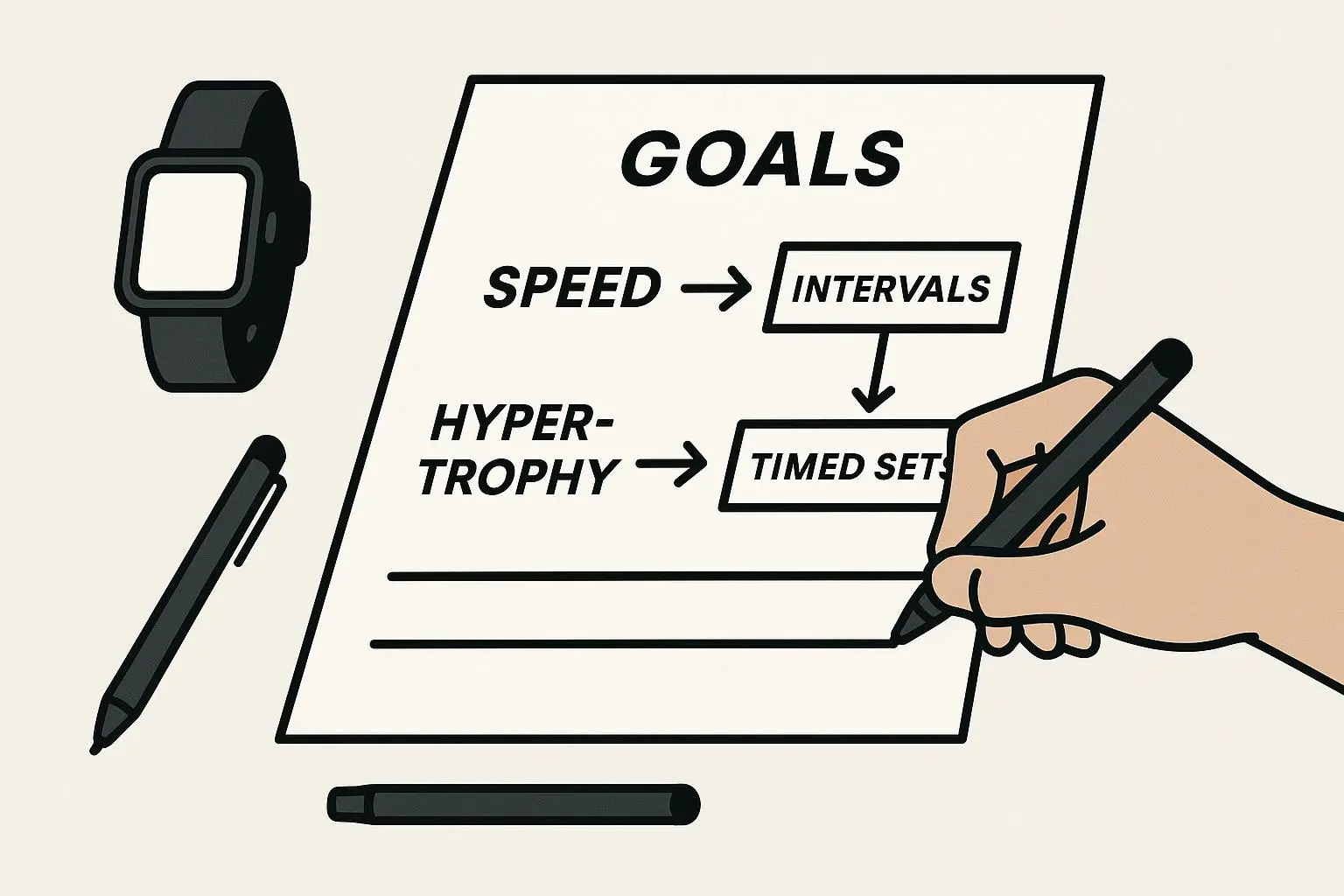
You know the feeling: you’ve got a clear goal—get faster, lose fat, or build better muscle endurance—but your watch is just a blinking subject mark. It can beep, it can track, but it won’t think for you. That’s where a simple decision framework comes in: translate the goal into work time, rest time, intensity markers (pace/HR/RPE), and a progression plan. Then push it to your watch and let it do the heavy lifting.
I’ll show you the rules I use, the math I actually plug into devices, and three real presets you can drop into most interval apps. There’s a one-page worksheet at the end (link to download) and a small story about when I learned the hard way that “close enough” doesn’t cut it.
Why presets beat freestyle workouts
When you freestyle—hit lap when you feel like it—you get inconsistent data and mixed adaptations. A structured preset:
- Keeps your intensity repeatable so adaptations compound.
- Removes decision fatigue during the session.
- Lets you reliably progress week-to-week and measure gains.
Work duration, rest math, intensity marker, and reps are the four variables. Tweak any one of them and you change the stimulus.
The four pillars of interval design (quick)
- Work duration — time or distance of the effort.
- Rest duration — passive or active recovery between efforts.
- Intensity marker — pace, heart rate zone, or RPE.
- Repetitions/sets — how many times you repeat the cycle (and breaks between sets).
Treat these like Lego bricks. The shape of the brick you pick depends on the goal.
Decision rule 1: Match duration to the goal
Here’s the short version I use in the field:
- Speed / VO2 max: 30s–4min work. Goal: spike oxygen uptake. Use 1:1 or 1:0.75 rest.
- Lactate threshold / race pace practice: 6–20min work. Goal: steady high aerobic stress. Use 2:1 or 3:1 (work:rest) to keep stress high.
- Fat loss / metabolic conditioning: 30s–12min work. Goal: elevate energy expenditure. Use shorter rests (1:0.25 to 1:1), higher density.
- Hypertrophy / strength-endurance circuits: 45–90s work. Goal: local muscular fatigue. Use active short rests (20–60s) and full rest between sets.
Those ranges aren’t sacred. They’re decision anchors. Pick the closest bucket and then dial.
Decision rule 2: Rest math (how I calculate recovery)
People argue ratios like they’re religion. Here’s how I actually decide:
- Start by asking: do you want near-complete recovery for maximal power, or cumulative fatigue for metabolic/threshold gains?
- If maximal power: choose 1:1 or 1:2 (work:rest). Example: 2 min work -> 2 min rest.
- If threshold/aerobic: choose 2:1 or 3:1. Example: 6 min work -> 2 min rest.
- If metabolic density: choose 1:0.25 or 1:0.5. Example: 45s work -> 15s rest.
Use time or distance for work. If you use distance (e.g., 400m), convert to time for compatibility with most watches: time = distance / target pace.
Quick calculator formula I keep on my phone:
- Rest seconds = round(work_seconds * rest_ratio, 5)
Example: 90s work at 1:0.5 -> 45s rest.
Decision rule 3: Picking an intensity marker
Which metric your watch should monitor depends on the activity and environment.
- Pace: Best outdoors on consistent terrain (running/cycling). Use for speed sessions.
- Heart rate: Best for longer intervals or when pace drifts (hills, heat). Use for threshold and steady-state.
- RPE: Best for strength circuits or equipment-poor sessions. Use 1–10 scale: 7–9 for hard intervals.
If in doubt, use two: pace for the immediate target and HR for verification (e.g., 400m at target pace; HR should trend toward 90% HRmax by interval 6).
Important: calibrate intensity from a recent test (5k, FTP, or max set). If you program blindly, the device will buzz you into frustration.
Progression ladders that actually work
Progressions are how adaptation happens. Use one of these weekly ladders:
- Volume ladder: increase reps each week. Example: Week 1 = 6x400m, Week 4 = 10x400m.
- Intensity ladder: keep reps, increase pace/weight. Example: 6x400m at 4:50/km -> 6x400m at 4:40/km over 4 weeks.
- Mix ladder: small increases in both, but limit to one variable per 2-week block to avoid overreaching.
I prefer micro-progressions: 2–5% increase in load per week. Big jumps spell injury or burnout.
How I actually made this work (a real story)
Three years ago I coached a friend, Marco, who wanted to drop 90 seconds off his 5k in 12 weeks. He loved tempo runs but hated intervals. We built a watch preset for him: 8 x 600m at 5k goal pace with 90s rest (1:0.75 ratio). He synced it to his watch and used it twice a week.
Week 1: he missed paces on intervals 3–4 and grumbled. We adjusted the first two intervals as a warm-up cadence and programmed the watch to ignore pace alerts in the first interval—small UX tweak, big mental win.
Week 6: we bumped reps to 10 and dropped rest to 75s for one workout a week. His splits tightened; his 5k dropped by 50s at week 8. The preset made his sessions consistent, and the watch data showed the difference. By week 12, he was 1:27 faster—because the watch removed excuses and the progression was tiny but consistent.
Lesson: presets force specificity and make progression measurable.
Micro-moment: the tiny victory was Marco grinning the day his watch stopped buzzing after interval 7—the pace was hit and the watch went quiet. He told me later, “That silence felt like a pat on the back.”
Three filled examples you can copy
Below are plug-and-play templates. Most watch apps let you create Work and Rest steps and repeat. If your device uses distance, switch time -> distance by using your target pace.
Example 1 — Speed (VO2 max)
- Goal: Improve 5k top-end speed.
- Workout: 8 x 400m at 5k goal pace.
- Preset:
- Work: 400m (or ~90s), Intensity: target pace (e.g., 4:30/km).
- Rest: 90s, Intensity: recovery (Zone 1–2).
- Repeat: 8 (set).
- Progression: Add 1 rep every week for 3 weeks, then increase pace by 3–5s/km.
Example 2 — Fat Loss / Metabolic Conditioning
- Goal: Max calories + conditioning in 30 minutes.
- Workout: 15 rounds of 45s work / 15s rest (kettlebell swings or bike sprints).
- Preset:
- Work: 45s, Intensity: RPE 8.
- Rest: 15s, Intensity: active (light pedal/step).
- Repeat: 15.
- Progression: Increase work to 50s or add two more rounds over 2–3 weeks.
Example 3 — Hypertrophy / Circuit Strength Endurance
- Goal: Improve muscular endurance for bodyweight circuits.
- Workout: 3 sets of (Pushups, Squats, Plank) with 60s work / 20s rest; 2 min full rest between sets.
- Preset (multi-step):
- Step 1: Work 60s (Pushups), Rest 20s (active), Step label: Pushups.
- Step 2: Work 60s (Squats), Rest 20s (active), Step label: Squats.
- Step 3: Work 60s (Plank), Rest 120s (full rest), Step label: Plank/Set Rest.
- Repeat Set: 3.
- Progression: Add 10s to each work period after 3 weeks or reduce rest to 15s for higher density.
Importing to watches and apps (practical steps)
Most companion apps share the same flow: create workout → define steps → name → sync. Quick guide for three common systems:
- Garmin Connect:
- Use Workout Builder → Add Steps (Time/Distance/HR) → Save to Device.
- Tip: use the “Transition” step if you need a label between intervals.
- TrainingPeaks → Sync:
- Create structured workout → Send to device via Garmin/Connect IQ or file export.
- Great for coach-athlete workflows.
- Interval Timer apps:
- Use for non-GPS work (Tabata, circuits). They’ll export presets or be used standalone.
If your watch supports only time (not distance), convert distance to time with pace math:
- time_seconds = distance_meters / (pace_m_per_s)
- pace_m_per_s = (1000 / pace_seconds_per_km)
If your watch mislabels steps, open the app and rename steps to something meaningful (Pushups, Rest). Labels matter for adherence.
Troubleshooting common issues
- Watch buzzes too early: add 1–2s transition buffer between steps.
- Pace alerts unrealistic: re-test your pace baseline (5k or 3k time trial).
- HR lags on short intervals: use pace or RPE for efforts <60s; HR is a lagging metric.
- App limits on multi-step circuits: split circuits into smaller templates and chain them.
A one-page worksheet (use this in 5 minutes)
Download the one-page flow (link) and fill these fields:
- Goal (speed / fat loss / hypertrophy / focus)
- Work duration (time/distance)
- Rest ratio (e.g., 1:1)
- Intensity marker (pace / HR zone / RPE)
- Reps / Sets
- Progression rule (weekly % or reps increment)
- Device/app to import to
Fill it once. Import it. Repeat the workout twice a week. Track the change.
Final thoughts: make your tech a training partner, not a toy
A preset is a promise. It codifies your intention into a repeatable pattern. That’s why I push people to test their template at low intensity before the first hard session—confirm transitions, labels, and alerts. Then let the device do the rest.
If you leave with one practical nugget: start with conservative numbers you can hit cleanly. Progress slowly. The watch will collect the proof that you did the work. You’ll be surprised how motivating seeing consistent splits and HR curves becomes.