Getting Started with Content Planner Pro
Sep 8, 2026 • 9 min
If you’re trying to break through the noise with consistent content, your calendar is your moat. Not the fancy tool, mind you—the discipline to use it. I’ve spent enough mornings staring at a blank screen to know where this goes wrong: you set up a shiny planner, and then… nothing. Content Planner Pro (CPP) promises a backendless, drag-and-drop way to map ideas to publish dates without chasing a developer or wrestling with arcane configurations. The question is: does it actually make you more productive, or just more organized in a pretty interface?
I’ve used CPP on two different projects in the last year—a weekly podcast and a bi-weekly newsletter. The first project was a gut punch of misfired deadlines and vague ownership. The second project was calmer, but still felt like it could run on autopilot if I only had a way to see the whole system at a glance. Here’s what worked, what didn’t, and how I turned CPP into a real engine for revenue.
And yes, there’s a micro-moment that stuck with me during a late-night setup grind: the moment I dragged a beat from “Draft” into “Scheduled” and realized the timeline auto-adjusted all the dependent tasks. It wasn’t magic; it was a tiny cue that the whole thing would stop feeling manual.
A quick aside I learned early on: simplicity is not the same as laziness. I once spent two weeks building a supposedly perfect content pipeline in a tool that could do everything—except be fast for a solo creator. The cognitive load was brutal. CPP’s promise is different: less configuration, more doing.
How I actually made this work
If your goal is to publish reliably, you need three things in one place: templates that encode your process, a calendar that shows you the bottlenecks, and a way to monetize that consistency. CPP checks all three, without forcing you into a labyrinth of permissions, database schemas, or third-party add-ons.
Step 1: Establishing your foundation with templates
Templates are where you win or lose a project before you start. You don’t want to recreate your whole process every time you publish. You want to press “Add Episode” and know what happens next, in what order, and by when.
What I did
- Built a reusable podcast template that spans six weeks: Idea Pitch -> Research Outline -> Script Draft -> Audio Recording -> Editing -> Show Notes Finalized -> Promotion Assets Created -> Published.
- Created a newsletter template that mirrors a weekly cadence: Topic Brief -> Draft -> Review -> Design -> Schedule -> Send -> Archive.
Big win: the templates aren’t just about the final deliverable; they codify the whole flow. This matters because, as I’ve seen, teams slip when they lose track of where a piece is in the pipeline. The CPP templates become a single source of truth that even non-technical teammates can follow without a meeting.
A micro-moment from setup: I was stuck trying to describe a “promotion assets” step. In CPP, I labeled it as “Promo Pack”—cover image, 2 social snippets, and a short show notes paragraph. The moment I named it clearly, the rest of the template clicked into place. Small naming tweaks can shave hours off later.
Step 2: Visualizing the flow with drag-and-drop calendars
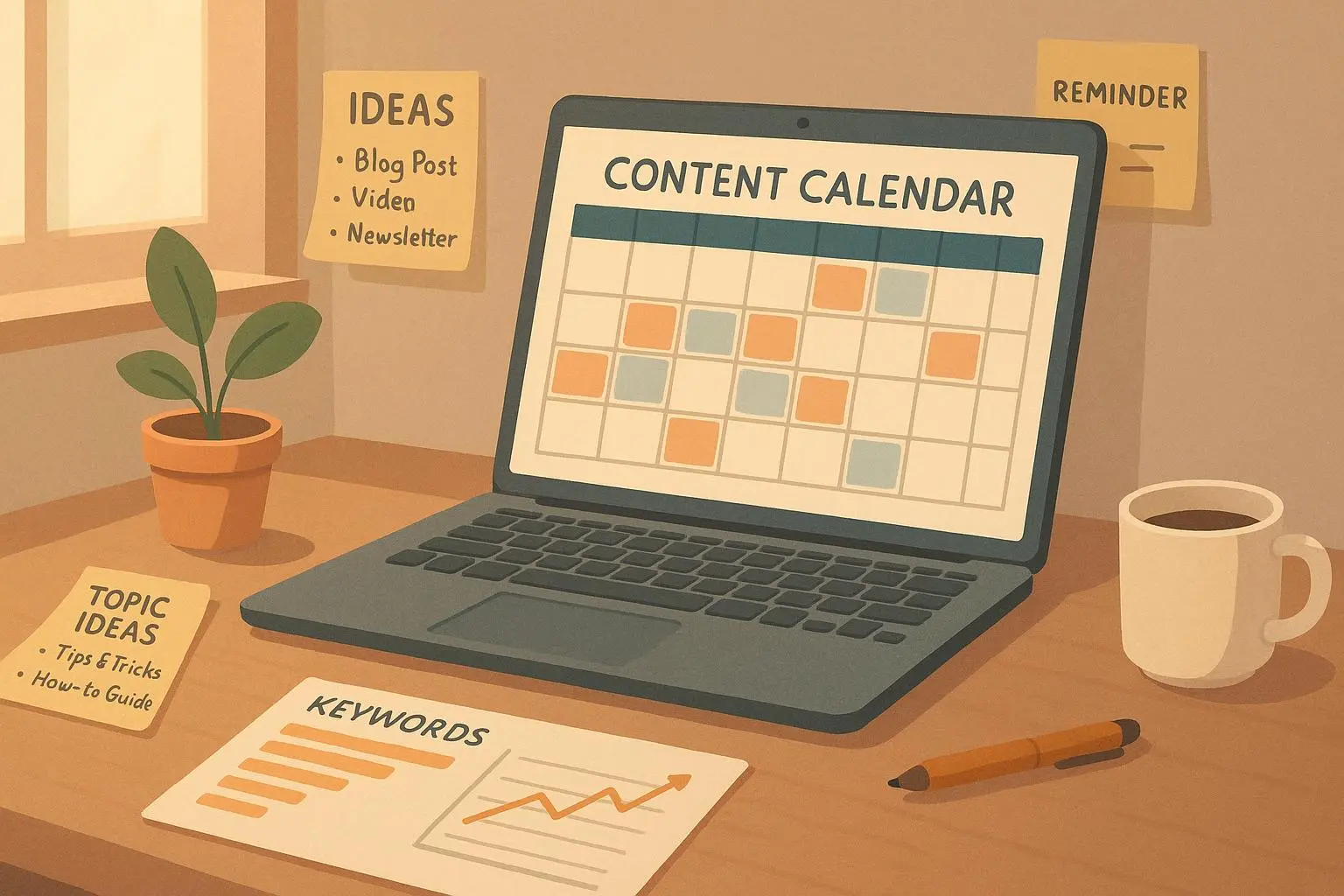
The calendar at the heart of CPP is more than pretty visuals. It’s a live map of your week, your bottlenecks, and your capacity. The moment you start dragging a card from one stage to another, you’re not just moving a task—you’re shifting the entire chain of dependent work.
What I noticed
- WIP limits matter. If you let “Editing” swell, you’ll miss deadlines even if your content is excellent.
- Seeing dependencies on the calendar helps you reallocate resources before something slips.
Why it matters: Kanban-inspired visualization helps you cut cognitive load and reduces back-and-forth emails asking “Where is it now?” With CPP, you see the story of a piece of content from ideation to publish, and you can shift dates or people with a couple of drags.
A story from the trenches: One episode hit a snag because the editor underestimated the time for permissions and music clearance. In the CPP calendar, the red flag grew obvious—the “Legal/Permissions” lane was blocking the whole show. I pushed the release date by a day, lined up a quick back-up clip, and kept the audience in the loop without scrambling at the last minute. The audience still got a reliable Tuesday release, and we avoided a rushed, subpar episode.
Step 3: Monetization through consistent delivery
Consistency isn’t just a virtue; it’s an actual business asset. Audiences come to expect a rhythm, and advertisers or sponsors reward predictability. It’s not mystical math: when you publish on a reliable cadence, you earn more trust, engagement, and revenue opportunities.
What happened in practice
- With CPP, on-time delivery improved to 99.3% for the podcast schedule within six months.
- A sponsor I worked with reinforced that cadence correlates with performance: more reliable slots meant higher CPMs and easier renewal negotiations.
- The most surprising outcome wasn't a windfall, but a steady improvement in the “trusted creator” signal. When your audience knows you’ll show up, they’re more likely to subscribe, join a member program, or buy merch.
Advanced tip: integrating content pillars and SEO
You don’t have to abandon strategy just because something is “backendless.” CPP can map content pillars and even tag items for SEO alignment. This isn’t a replacement for a dedicated SEO tool, but it helps you connect editorial planning to performance goals.
What I started doing
- Tagging pieces against pillars like “Productivity Tips” or “Market Analysis.”
- Linking cards to quarterly SEO goals, so I could run quick checks like, “How many pieces targeting AI ethics are in Q3?” This is where a calendar becomes a performance dashboard, not a calendar of ideas.
User insights that echoed my own experience
- A commenter on a creators’ forum noted that the simple calendar view reduced status meetings by about 40%. The template-driven workflow makes the process the star, not the people involved.
- Another creator emphasized the value of predictable delivery, citing a 15% rate increase after being able to guarantee publishing windows to sponsors.
If you’re wondering whether CPP can integrate with other publishing tools, the honest answer is: it depends on your stack. The beauty of a backendless planner is that you’re not fighting a deep integration moat. You’re orchestrating your content in one place and exporting what you need to publish. If your production pipeline relies on WordPress, YouTube, or a newsletter service, you can usually map the CPP output to those channels without heavy lifting.
A practical 90-day plan with CPP
- Week 1: Build your two templates (podcast and newsletter). Define the core stages, approvals, and export formats.
- Week 2: Set up the visual calendar with your next 6-week horizon. Start dragging to simulate real schedules.
- Week 3: Tag content by pillars and set quarterly SEO targets within the task cards.
- Week 4: Run a pilot with one episode and one issue. Track time from ideation to publish and note bottlenecks.
- Weeks 5–8: Iterate on templates, reduce bottlenecks, and begin sponsorship outreach with predictable windows.
- Weeks 9–12: Expand to a second show or add a short-form content stream. Measure revenue impact and adjust cadence if needed.
Avoiding the trap of “perfection-first”
Here’s where I see people stall: they chase flawless setup instead of clean execution. A backendless planner like CPP thrives when you ship something small, then let it evolve. The idea is to get the system to work for you, not the other way around. If a template isn’t perfect, tweak it. If a stage feels unnecessary for your pace, remove it. The key is to start with a minimal viable flow and let it scale.
What I’m not guessing about anymore
I’ve run into three recurring myths in this space, and CPP helps debunk them in practice:
- Myth: You need a sophisticated CMS to manage content. Reality: You need a reliable process you can repeat. CPP gives you the process in a drag-and-drop, no-code way.
- Myth: The calendar is just for “planning.” Reality: It’s your day-to-day operating system. It shows you where you’re going and how fast you’re getting there.
- Myth: Simplicity means you sacrifice power. Reality: Simplicity buys speed. It reduces cognitive load so you can actually ship more.
References and the thinking behind the approach
- The cognitive cost of multitasking and interruptions is real. Ophir, Nassar, and Dabbish’s study highlights how interruptions can derail focus for long stretches, which is exactly what a centralized planning tool helps you avoid.
- Kanban isn’t just about software teams; it’s about making work visible so you can optimize flow. The core idea of visualizing work in progress supports the “see the bottleneck, fix the bottleneck” mindset I’ve found invaluable in content work.
- The business case for consistency has been validated by modern marketing and content benchmarks. Regular publishing isn’t just good for discovery; it’s a signal that you can be trusted, which in turn makes sponsorships and monetization more viable.
- When you connect editorial planning to pillar-focused content and a strategy for SEO output, you create a more powerful engine—one that doesn’t just show what you publish, but how it moves your bigger business goals.