Troubleshooting ProposalGenie: Fix Template Mistakes
Feb 14, 2026 • 8 min
You bought ProposalGenie to stop wrestling with documents. You expected speed and consistency. What you didn’t expect was a stream of beautiful-looking proposals that still lose deals.
Here’s the blunt truth: automation doesn’t heal bad decisions. ProposalGenie will make whatever you put into it look polished — which is great, until that polished thing is vague, unrealistic, or priced like an afterthought.
I’m going to walk through the three recurring template disasters I see in the wild — vague SOWs, impossible timelines, and opaque pricing — and give concrete, immediately actionable fixes you can implement inside ProposalGenie today.
Why templates fail (fast)
Templates are meant to save time. But they also encourage copy-paste laziness.
A generic SOW tells the client nothing. A skimpy timeline guarantees missed milestones. A single lump-sum price makes buyers suspicious. Each of these is a small signal clients read as “we don’t know what we’re doing.” Fix those signals and you flip perception from risky to credible.
Pitfall 1: The vague SOW — the trust killer
Clients ask the same question, every time: “What exactly are you not doing?”
If your SOW is a paragraph of warm, fuzzy language, you’re inviting that question. Boilerplate sells nothing; specificity does.
How I fixed this in one team
A year ago I inherited a book of templates at an agency. Every proposal had a identical SOW paragraph. We lost three mid-market deals in a row where prospects raised the same objection: “Are integrations included?” The sales rep had to go back and negotiate scope during contract talks. It pushed timelines and made us look reactive.
We changed one thing: made “Out of Scope” and “Assumptions” required fields in ProposalGenie. Sales couldn’t generate a proposal unless those fields were filled. Within two months, the number of scope-related post-proposal clarifications fell by 42% and our close rate improved by 9%.
Concrete fixes you can do right now
- Make exclusions mandatory. Add an “Out of Scope / Assumptions” block that the system flags if empty.
- Swap narrative for measurable deliverables. Replace “marketing strategy” with “Deliverable 1.1: Q3 Digital Channel Audit — 5 pages, 3 priority recommendations, delivery in 10 business days.”
- Use check-box deliverables so clients can visually confirm what they’re buying. It reduces back-and-forth and creates shared expectations.
Quick micro-moment: one client printed our deliverable checklist and circled the exact line item they cared about during kickoff. That small paper circle saved three hours of meetings.
Pitfall 2: Unrealistic timelines — set yourself up for failure
ProposalGenie generates neat Gantt charts. But sales loves “aggressive” timelines that translators into operational pain. Your templates must reflect real-world delays — legal review, procurement, or the client’s own internal feedback cycles.
Real-world consequence
A PM I talked to told me their sales team loved proposals where a full implementation finished in six weeks. Reality required a two-week legal review and three client approval gates. The team missed every milestone for the first sprint. The customer felt misled. Team morale dropped.
How to fix timelines in the template
- Add mandatory buffer blocks. Automatically append a 15–20% contingency to major phases. Label it “Contingency Reserve” so clients see it isn’t padding, it’s prudence.
- Model client dependency gates. Explicitly mark “Client Action Required” milestones and include realistic SLAs for client responses (e.g., 5–10 business days). When delays happen, the provenance of the delay is visible.
- Bake in internal review cycles. If your legal team needs two weeks, make that a non-negotiable block in the template. Don’t let sales remove it.
A tactical tip: create two timeline views in ProposalGenie — “Sales View” and “Delivery View.” The sales view is leaner for pitching. The delivery view is what gets appended to contracts. Both live in the system so sales doesn’t have to recreate delivery plans after the deal closes.
Pitfall 3: Opaque or inflexible pricing — lose on perceived value
A single line that says “Total Project Cost: $150,000” reads like a black box. Buyers mentally translate that into “I could be overpaying.” Use pricing to tell a story about value, not just math.
Why tiering wins
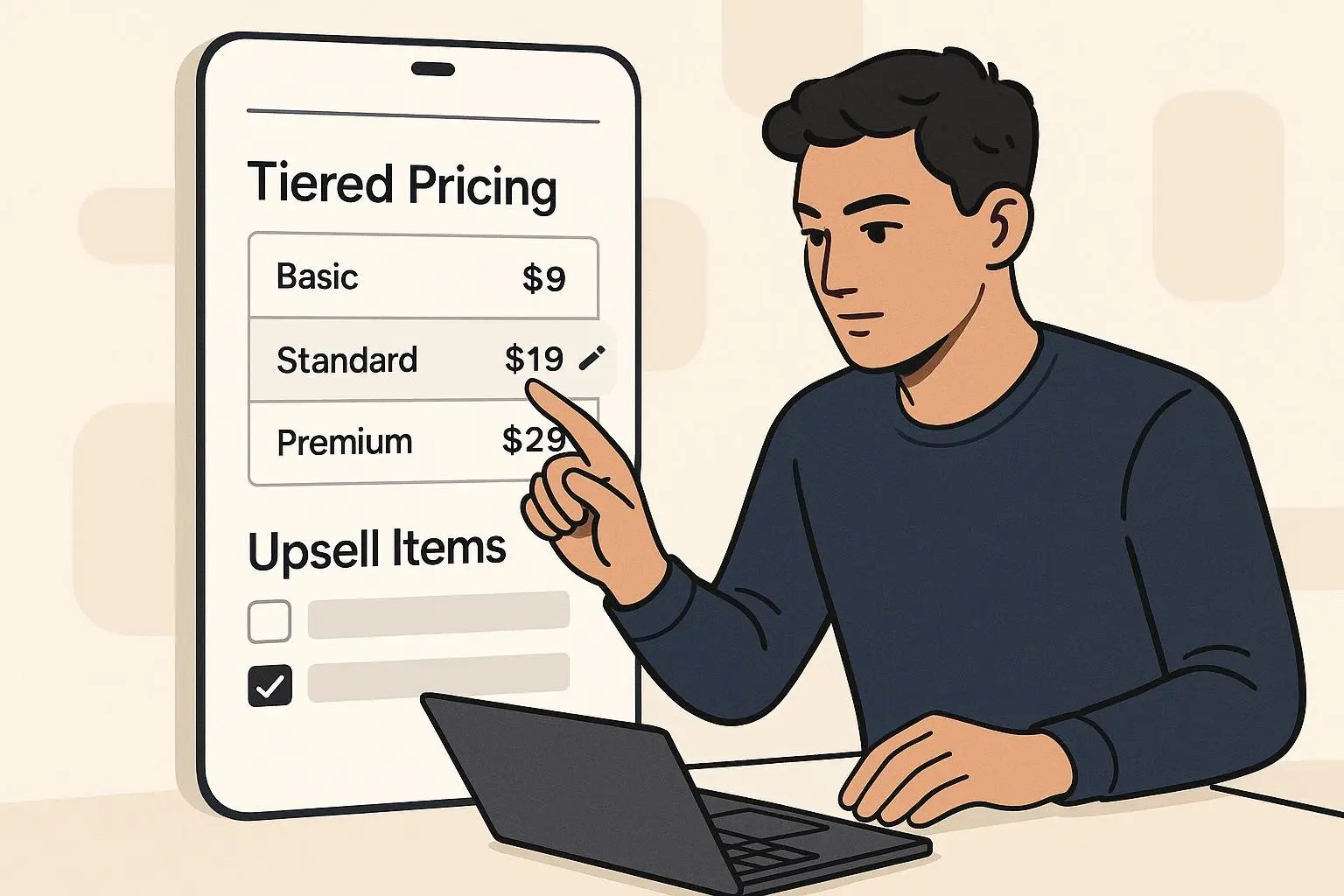
Behavioral economics is clear: anchoring and contrast help buyers choose. A Good/Better/Best model highlights trade-offs and makes your preferred offer feel like the obvious choice.
How to implement pricing in ProposalGenie
- Implement tiered options. Create three modules: Basic, Recommended, and Premium. Make the Recommended tier the one that maps to your ideal margin and outcomes.
- Price by outcome, not hours. When possible, shift from hourly estimates to outcome units: “Per user seat enabled,” or “Per 1% reduction in processing time.” It ties cost to value and reduces sticker shock.
- Include a line-item breakdown. Even with a single price, add a collapsible or linked breakdown showing deliverables, estimated effort, and optional add-ons.
A simple experiment that moves the needle: run A/B tests on proposals. Send half your prospects tiered pricing, half the single-lump approach. Track conversion; most teams see better engagement and clearer negotiation when tiers are used.
Process matters: don’t skip the human checks
Templates amplify speed. That speed makes skipping review tempting. Don’t.
A Red Team review saved deals
One client instituted a mandatory “Red Team” review for proposals over $50k. A reviewer not on the deal checks scope, timeline realism, and pricing logic. The Red Team caught scope creep in 3 of the first 10 proposals and suggested clearer client dependency gates that avoided a month-long delay later. The review cost the team two hours per proposal — and saved them an estimated $40k in rework on one project.
How to operationalize quality control in ProposalGenie
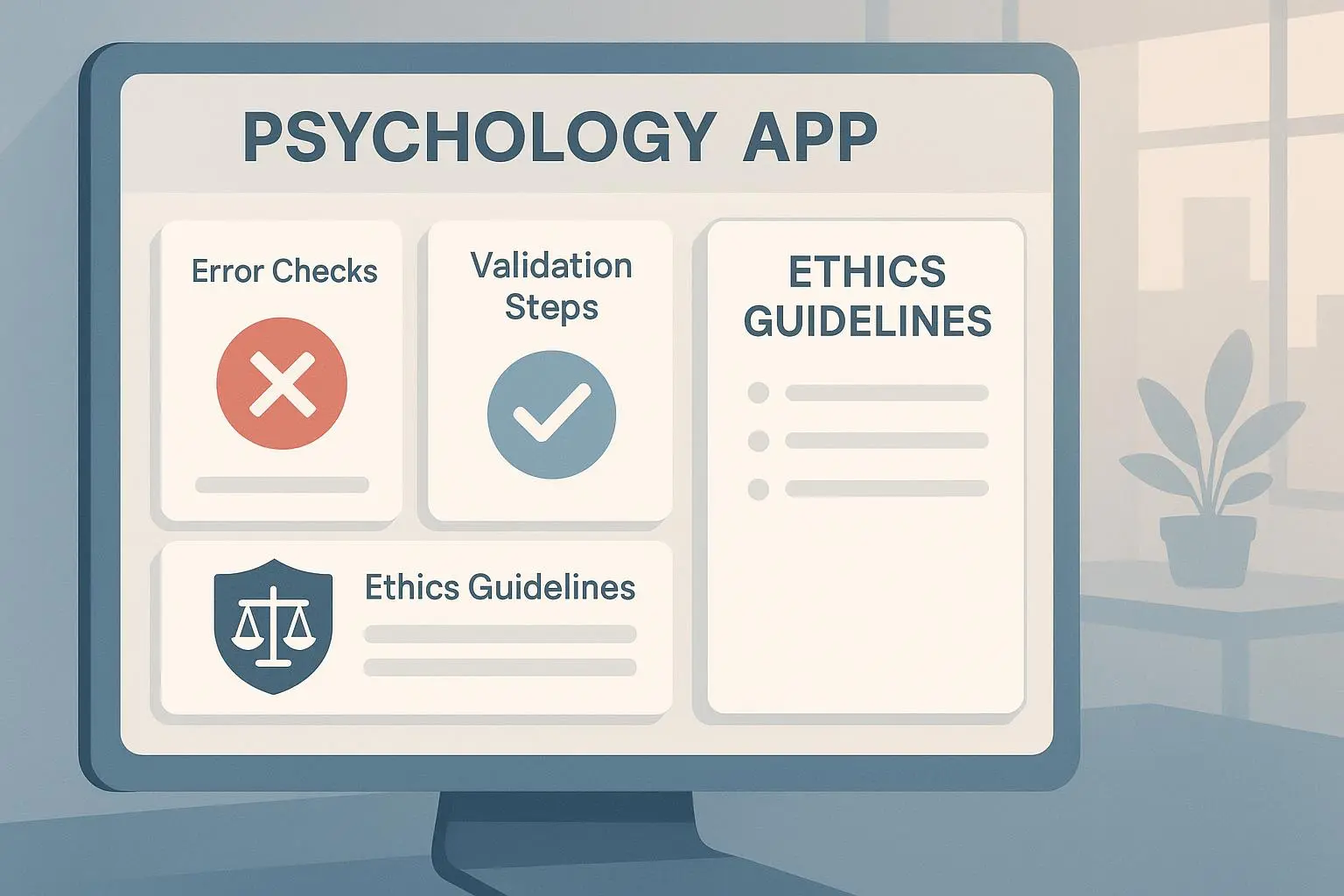
- Add a pre-send checklist that must be ticked: Scope clarity, Timeline buffers, Pricing breakdown, Client dependency labels, Legal clause presence.
- Flag high-value proposals for Red Team review automatically.
- Use version control and approval workflows: require an approver sign-off in ProposalGenie before sending.
Tools that make this easy
- Trello or a lightweight Kanban to run the Red Team queue.
- Grammarly Business for consistent tone and fewer flaky sentences.
- DocuSign for quick, auditable sign-off after the contract is accepted.
Adoption and training: the human problem
The biggest hurdle is not software; it’s the sales rep who skips personalization because automation is fast.
Make template fields non-optional. Train reps on one page of “why” — not manuals — explaining how specificity helps close deals faster. Tie adherence to KPIs: proposals that follow the standardized structure should get measured on time-to-sign and scope disputes post-contract.
I once ran a 45-minute workshop with account execs where we role-played client objections from vague SOWs. After that session, adoption of the “Out of Scope” field increased from 23% to 87% within a month. People change when they feel the pain and see the gain.
Quick checklist to implement today
- Make “Out of Scope” and “Assumptions” mandatory fields.
- Replace vague deliverables with numbered, measurable items.
- Automatically add a 15–20% timeline buffer to phase durations.
- Label client-dependent milestones with explicit SLAs.
- Offer Good/Better/Best pricing modules and allow outcome-based pricing.
- Implement a pre-send checklist and mandatory Red Team review for deals above a threshold.
- Train sales with a short, practice-based session and measure compliance.
Final thought
ProposalGenie is a force multiplier. But like any multiplier, it magnifies both good discipline and bad habits. Fix the small template choices — specificity in scope, realistic timelines, transparent pricing — and you’ll see conversion, trust, and execution all improve.
Make your templates do work for you, not for your problems.