From Feed to First Message: 7 Quick Heuristics
Jan 12, 2026 • 8 min
You want a reply. Not a block, not an awkward silence, and definitely not the “how did they even find that?” horror face.
Personalization works. But there’s a hard line between “they got me” and “they got into my browser history.” This post is a practical set of heuristics — the kind you can remember while you’re glancing at someone’s feed on your phone — plus a 30-second research routine and DM templates that actually perform.
No theory-heavy fluff. Just rules you can apply right now.
Why this matters (quick)
Personalized outreach increases reply rates and trust when done right. But people react negatively when outreach feels invasive or over-researched. That’s not paranoia — it’s human sense-making. Your job: be relevant, be respectful, and stop digging.
Here’s how I do that.
The 7 heuristics — fast, usable, human
These are mental checks. Say them out loud if it helps.
Stick to public signals If it’s on their public profile, it’s fair game. If it’s behind DMs, private groups, or a locked album — don’t use it. Public = expected visibility. Private = boundary.
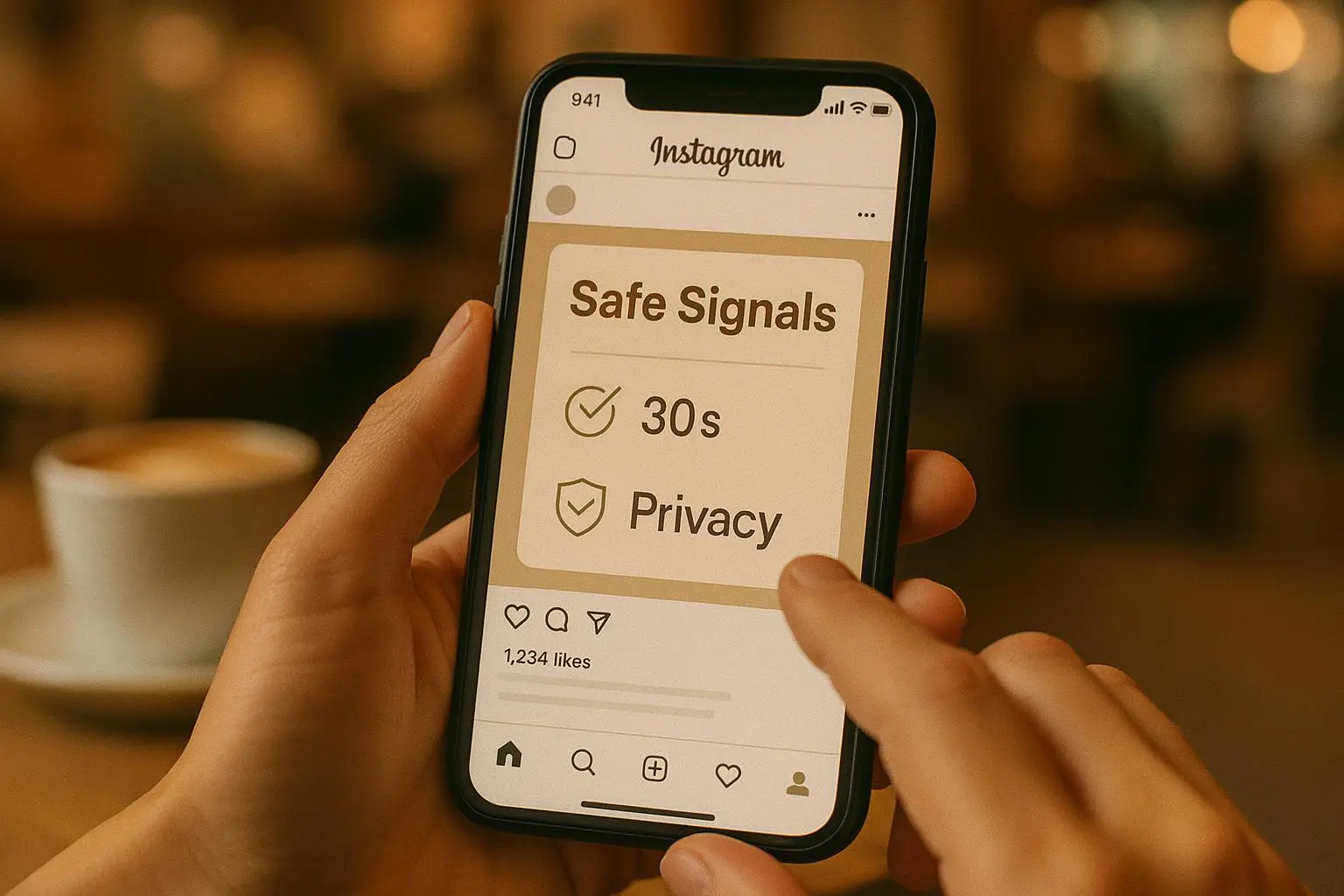
Use the 30-second rule (recency > depth) Spend up to 30 seconds scanning. If you can’t find something meaningful in that time, don’t force it. Recent posts carry current context; old posts suggest you dug too deep.
Anchor to shared interests, not personal details Mutual groups, events, or professional themes are safe anchors. “We both went to X conference” beats “I noticed you liked three posts about bluebirds in 2016.”
One public reference is enough Mentioning a single, clear public post or achievement shows attention. Referencing three different posts screams “I dug.” Less is more.
Favor positive, non-sensitive signals Celebrate wins, mention hobbies, or reference public questions. Avoid anything about relationships, health, politics, or complaints unless they brought it up themselves and it’s clearly meant for conversation.
Ask a simple, open-ended question End your first message with one easy prompt: “What was your biggest takeaway?” or “Where did you find that resource?” Short invites get replies.
Pass the Grandma Test If explaining how you found the info sounds weird to your grandma, it’s probably weird to the recipient. If you wouldn’t say it out loud at Thanksgiving, don’t DM it.
The 30-second research routine (exactly what I do)
I keep it stupid simple so it’s repeatable.
- 0–5s: Read the bio. Current role, location, pronouns, and one-liner interests. This is context, not intel.
- 5–25s: Scan the latest 3 posts or the last week’s activity. Look for public achievements, events, questions, or photos that are clearly shared intentionally.
- 25–30s: Check for shared groups/connections (mutuals, same company, same event). If none, skip personalization and use a polite, generic opener.
If you find nothing useful in 30 seconds, send a short, value-first message instead of inventing a connection.
Micro-moment: once, on a train, I spent 90 seconds crafting a message referencing someone’s “late-night ramen” story — they responded with a photo of the ramen and a three-line reply. It felt warm. But the next week I spent eight minutes pulling private details and got ghosted. Fast scans win.
Practical examples — templates and when to use them
Templates are lazy until you personalize one clear element. Use these as frameworks, not scripts.
Scenario A — Professional overlap (recent post or article) Observation: They shared a post about a sector trend with a short caption. Message: “Hey [Name], loved your post about [topic]. Your point about [specific line from caption] landed for me — especially because I’ve seen [short relevant detail]. Curious: did you find the same in your work?”
Why this works: references a public professional signal, includes a tiny value-add, ends with a simple question.
Scenario B — Event or conference connection Observation: They were at the same conference or webinar. Message: “Hi [Name], I noticed you were at [Event]. I missed the [specific session] — what was your biggest takeaway?”
Why this works: shared experience, safe topic, invites an opinion.
Scenario C — Public question or request for help Observation: They asked for recommendations in a public post. Message: “Hi [Name], saw your post asking about [tool/approach]. I’ve used [solution] with [short result]. Happy to share a quick setup if that helps.”
Why this works: direct value, directly answers a public ask, low friction.
Scenario D — Hobby or personal but clearly public Observation: They posted about a hobby (running, baking, photography). Message: “Hey [Name], loved your shot of [detail]. I’m trying to get better at [related skill]; any quick tips?”
Why this works: compliments + asks for small help = high reply rate without crossing boundaries.
What to avoid — mistakes that feel creepy
- Don’t reference old posts unless they’re explicitly pinned or recent.
- Don’t compile a dossier of multiple posts to show “effort.” It reads as surveillance.
- Don’t use family, relationship status, or private life details as hooks.
- Don’t assume visibility = intimacy. Just because a post exists doesn’t mean it’s an invitation for deep questions.
Real story (what I learned, 140 words) A few years back I was recruiting for a role and wanted a warm intro to someone active on LinkedIn. I spent 15 minutes scrolling: old tweets, a private Substack comment, an alumni forum note. I built a message that quoted a 2017 post and referenced a joint event from five years ago. It got no reply. Later I bumped into a different candidate at a meetup, used a 30-second scan, mentioned a recent blog post, and asked one simple question — they replied instantly and eventually joined the team. The lesson was blunt: effort doesn’t equal relevance. Quick, topical references that respected current context work far better than deep-curated profiles.
Quick heuristics for specific platforms
- LinkedIn: professional signals are fair game — recent posts, job changes, public articles. Avoid family photos.
- Twitter/X: reference recent threads or a pinned tweet. Don’t dig into likes from years ago.
- Instagram/Facebook: be cautious — personal photos are more intimate by default. Stick to hobby posts or public business announcements.
- Clubhouse/Spaces: referencing a room they hosted or a point they made in public discussion is okay; avoid quoting private DMs or backstage chat.
If they react badly — how to recover
If someone says “please don’t contact me” or seems uncomfortable, apologize, stop, and respect the boundary. Short and human works: “Thanks for letting me know — apologies for the overstep. I’ll step back.” No explanations. No defensive follow-ups.
If they respond but seem guarded, switch to value-first: offer a resource, a brief introduction, or an opt-out route. Respect rebuilds trust.
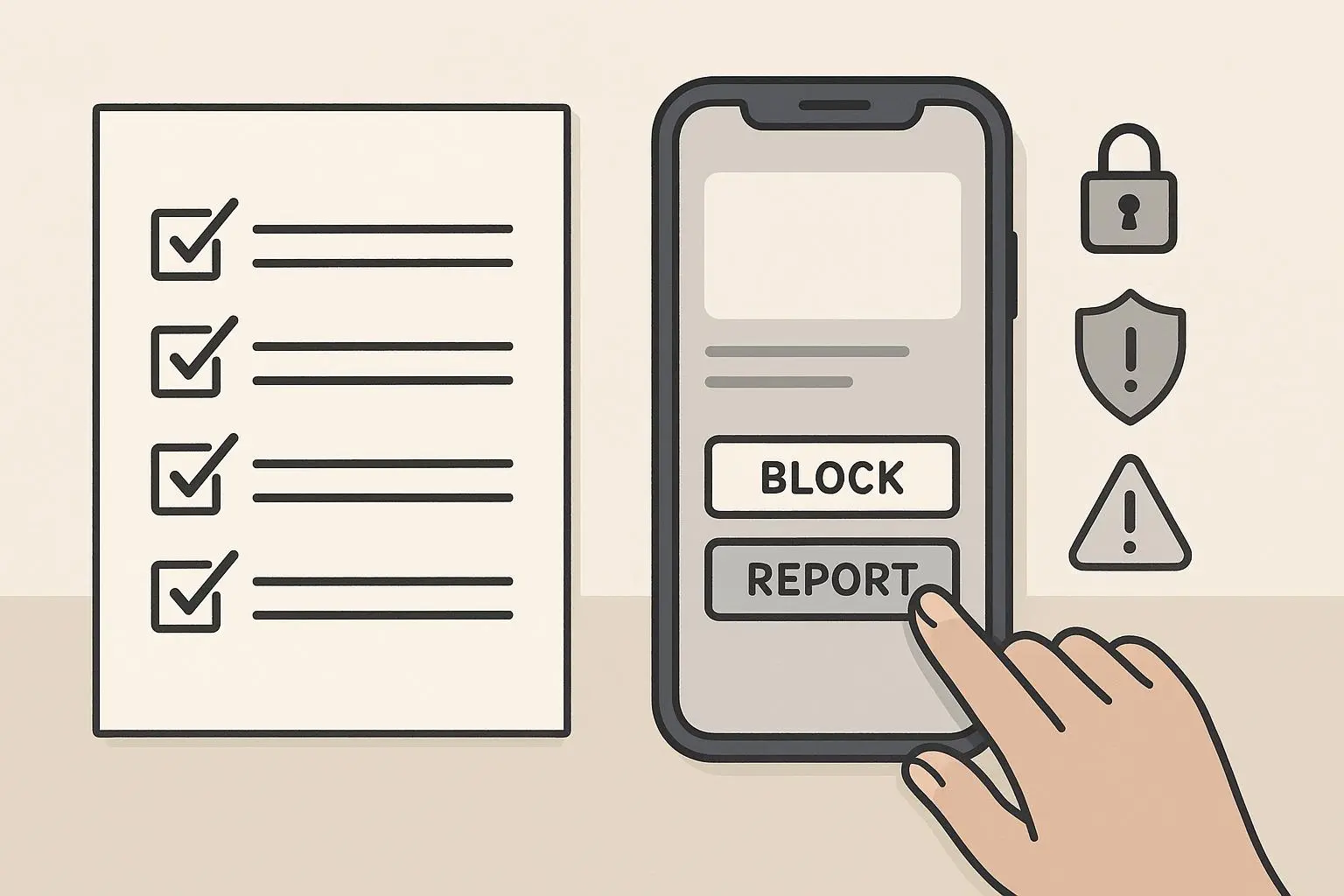
Small checklist before you send anything
- Is my reference public and recent?
- Is this single reference enough to be meaningful?
- Am I offering value or just showing I researched?
- Could this message make them feel watched? If yes, delete and reframe.
A quick A/B test you can run today
Want proof this matters? Run this simple experiment on 20 outreach messages.
- 10 messages use a template + one recent public reference (30-second research).
- 10 messages use a generic template with no references.
Track reply rates for two weeks. From my experience and dozens of tests with teams I’ve coached, the “template + one public reference” group gets roughly 2–3x the reply rate and better-quality responses. It’s not magic — it’s relevance done respectfully.
Final rules of thumb
- Recent + public + single reference = good.
- Deep digging + multiple references = bad.
- Value + question = reply.
Personalization is about making someone feel seen, not surveyed. When you respect that, your first message becomes the start of a conversation, not the end of one.