PCC Decision Matrix for Marketers: When Apple PCC Is Acceptable
Jan 9, 2026 • 9 min
Apple’s Private Cloud Compute (PCC) is the kind of privacy tech that looks like magic until you have to put it into policy. For marketers, that magic matters: faster drafting, smarter image edits, on-demand creative iterations. For privacy officers, every instance of “data leaving the device” is a potential audit finding.
This post is the middle ground. I’ll give you a concise decision matrix that maps content sensitivity to a recommended processing mode (on-device, PCC with mitigations, avoid). You’ll get SOP snippets you can drop into a playbook, the device settings checklists that actually matter, and the exact audit artifacts to collect when PCC is used. This is practical—not theoretical—so your privacy team can sign off and your creatives can move fast without getting fined or exposed.
Quick note up front: PCC reduces risk, it doesn’t erase it. Use the matrix, collect the artifacts, and don’t let convenience outpace governance.
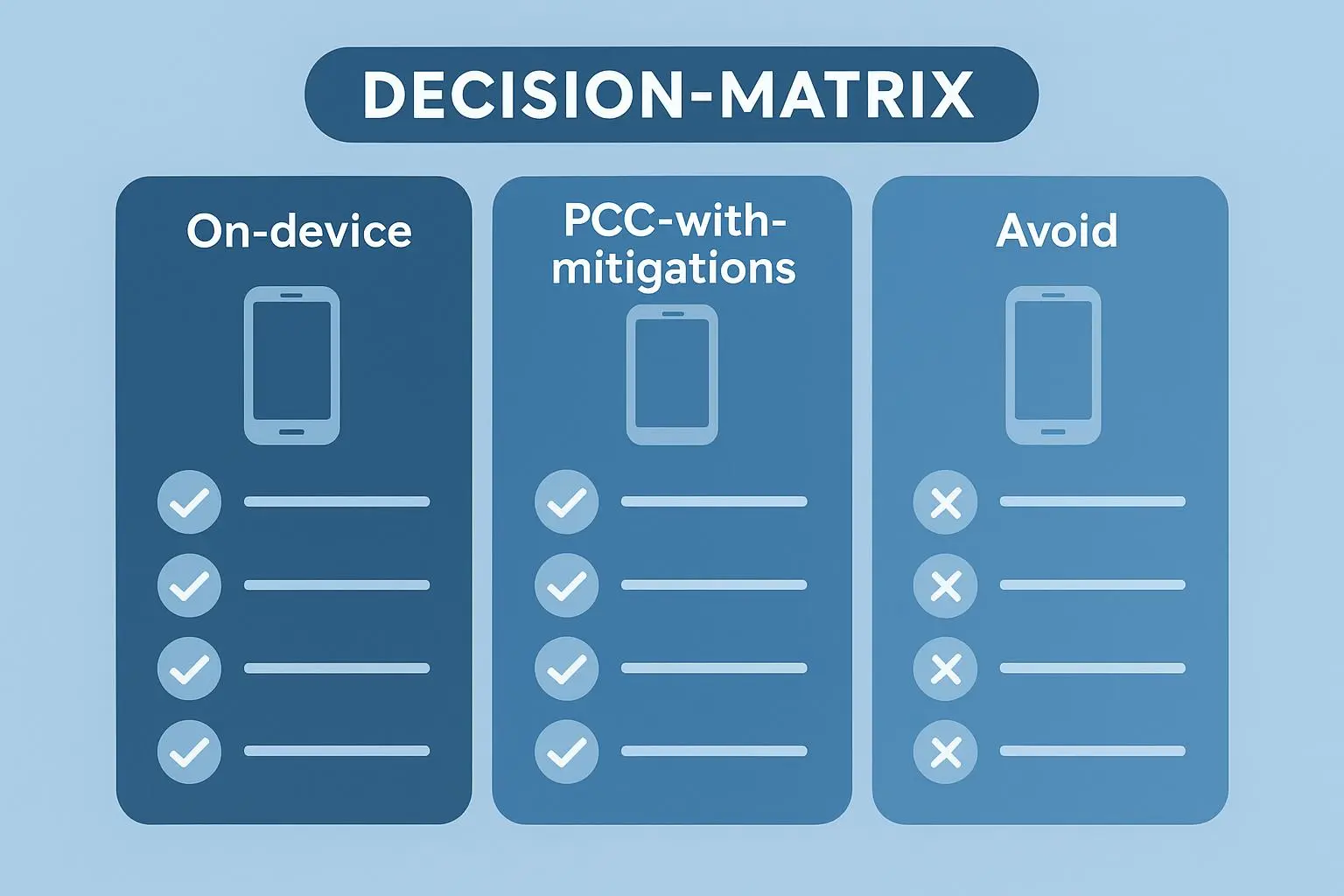
The short version: the matrix
Use this as the one-page rule-of-thumb you pin to the team wiki.
- Low sensitivity (public product copy, press releases, social posts): On-device or PCC.
- Medium sensitivity (internal campaign drafts, early creative concepts): PCC only with mitigations and documented approvals.
- High sensitivity (customer PII, targeting lists, unreleased roadmaps, financials): Do not use PCC; use on-device-only or internal secure systems.
- Extremely sensitive (legal material, regulated health or financial data): No AI processing—manual handling only.
If you want the one-liner: PCC is great for speed; not great for secrets.
How I actually made this work
A quick real example: last year my team had a 72-hour launch sprint. The creative director wanted to iterate social hooks, the product team wanted messaging aligned to an unreleased feature, and legal wanted wording cleared before go-live. We tried a hybrid approach.
I classified every asset into Low/Medium/High. For Medium drafts (early hooks referencing the upcoming feature without specs), we used PCC but enforced a sanitization step: remove code names, redact specific dates, and replace technical details with placeholders. Each submission required a one-click acknowledgment in our internal tool that the draft had been sanitized and an approval tick from a privacy reviewer.
Outcome: we cut content turnaround time from 6 hours to 90 minutes on average without leaking roadmap details. We also logged PCC attestation receipts for every request and stored them in our compliance bucket. The trick wasn’t the tech—PCC worked as advertised—it was the small, enforceable rule that prevented people from pasting sensitive spreadsheets into a chat box.
That sprint taught me two things: 1) human workflows break security more often than the platform does, and 2) small frictions (a checkbox, a sanitization tool) are worth their weight in audit comfort.
Micro-moment: I still remember the designer who hit “submit” from a coffee shop and immediately pinged legal—because the sanitization checklist forced them to pause. That one pause kept a campaign from going sideways.
What PCC actually does (brief, non-nerd version)
Apple’s PCC is a privacy-focused way to run compute off-device. Think: the model executes in an attested, isolated Apple cloud environment; Apple provides cryptographic attestation that processing happened in that environment; the data is ephemeral and not stored long-term.
Useful characteristics for marketers:
- Fast iterations without local model constraints.
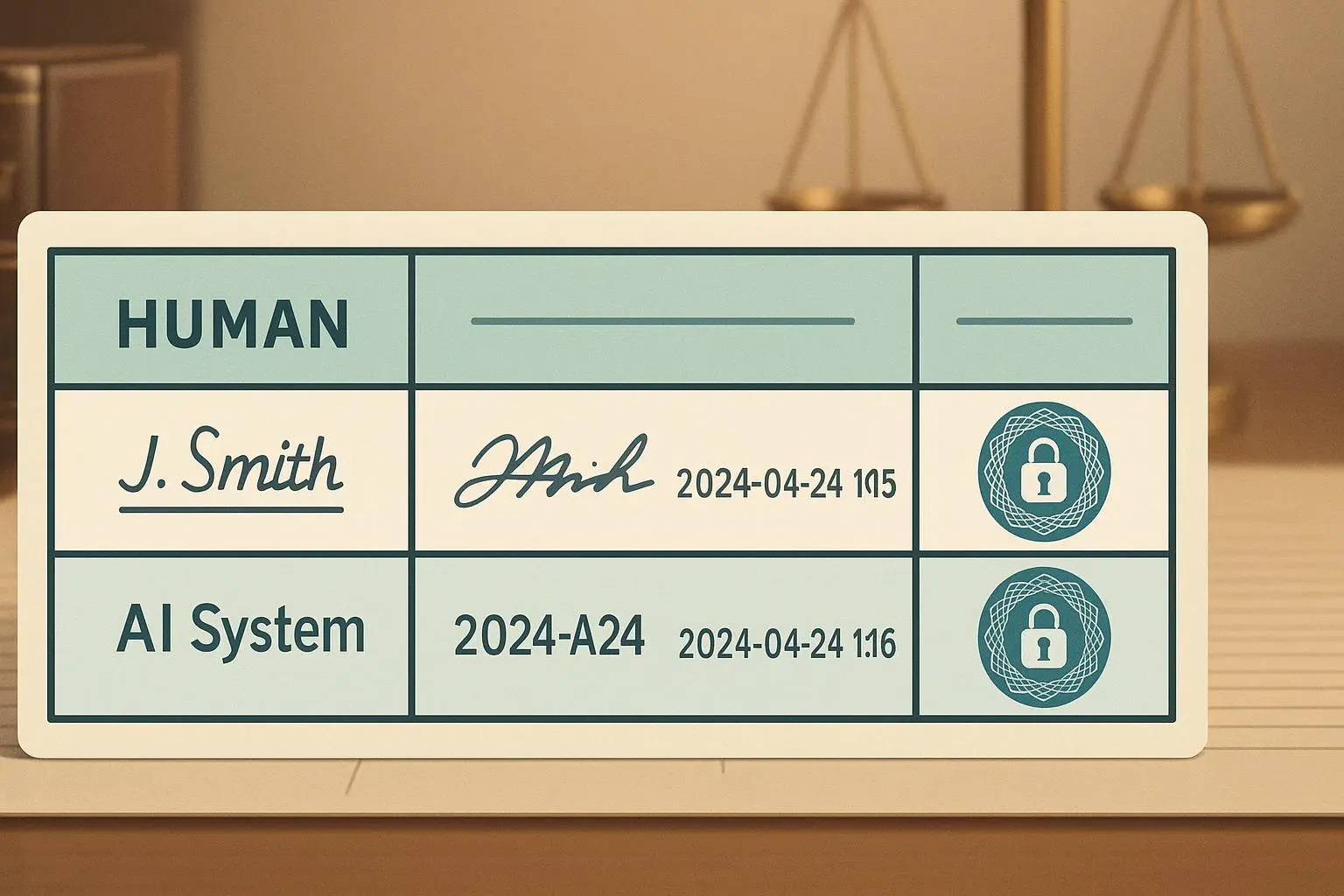
- Attestation receipts you can use in audits.
- Designed so raw data exposure is minimized.
What PCC doesn’t fix:
- Human error (paste the wrong spreadsheet, and PCC won’t save you).
- Regulatory questions like data residency for specific EU rules—those still need review.
- The need for internal approval workflows.
If you want technical sources, Apple published a PCC technical overview, and standard governance frameworks (ISO 27001) still apply to how you route and log requests.[1][2]
The decision matrix (practical)
Use this as a table in your SOP. I’ll keep the wording you can copy-paste.
Low Sensitivity — Recommended Mode: On-device or PCC
- Examples: Public product descriptions, scheduled press releases, social copy for already-announced features.
- SOP Snippet: “Public content may be processed on-device or via PCC. No additional consent required. Confirm content contains no internal codes or PII.”
- Device Settings: Latest OS, PCC enabled, device encryption on, biometric auth required.
- Audit Artifacts: Device logs, timestamped request logs, PCC attestation receipts.
Medium Sensitivity — Recommended Mode: PCC with mitigations
- Examples: Internal campaign drafts, early creative concepts, non-sensitive budget estimates.
- SOP Snippet: “Internal content may be processed via PCC only after sanitization, privacy officer signoff, and user authentication. Do not include client lists or PII.”
- Mandatory Mitigations:
- Data sanitization: run content through a keyword filter and manual redaction checklist.
- Policy acknowledgment: user signs that content is Level 2.
- MDM enforcement: ensure app feature flags disallow bulk uploads.
- Device Settings: PCC enabled, MDM policy applied, device encryption, biometrics.
- Audit Artifacts: PCC attestation receipts, sanitization checklist, user policy acknowledgment logs, MDM configuration screenshots.
High Sensitivity — Recommended Mode: Avoid PCC; on-device-only or internal systems
- Examples: Customer PII, targeting lists, unreleased product specifications, financial projections.
- SOP Snippet: “Do not use PCC for high-sensitivity data. Use internal secured systems or on-device processing only. If uncertain, escalate to privacy.”
- Device Settings: PCC disabled, on-device AI permitted only if data never leaves device, strong encryption, biometric lock.
- Audit Artifacts: Device-only processing confirmations, no PCC request logs, incident report if PCC was invoked.
Extremely Sensitive — Recommended Mode: Manual only (no AI)
- Examples: Legal documents, regulated health or financial inputs.
- SOP Snippet: “No AI processing allowed. Manual review and secure channels only.”
- Audit Artifacts: Manual review logs, locked-down storage records, privileged access logs.
SOP snippets you can paste in
Copy these into your team playbook and tweak company names.
Pre-Processing Check (mandatory)
- Before sending any content to an AI feature, the user must select a sensitivity level (Low / Medium / High / Extreme) in the content management UI and acknowledge the sanitization requirements for Medium.
Level 2 Sanitization (required)
- Run the content through the internal keyword scanner. Replace any flagged tokens with placeholders. Attach the sanitization checklist as metadata to the request.
Privacy Officer Approval (conditional)
- For Medium items exceeding 500 words or involving budget figures, a privacy officer must sign a one-line approval in the request log before PCC processing.
Post-Processing Capture
- Automatically store PCC attestation receipts, the sanitized content snapshot, and the user acknowledgment in the compliance archive for 7 years (or per retention policy).
Exactly what to collect when PCC is used
If you’re audited, the following artifacts answer the question “who, what, when, and why”:
- PCC attestation receipts (cryptographic proof).
- Device logs showing the AI request and processing mode.
- User authentication logs proving the requester’s identity at the time of the call.
- Content classification tags and sanitization checklist results.
- Privacy Officer approval stamps (if required).
- MDM configuration snapshot proving device policies at request time.
Store these in an immutable, access-controlled archive (e.g., your compliance S3 bucket with object lock or an equivalent). Tie them back to the request ID.
Device settings checklist (MDM-friendly)
Make this a baseline MDM profile:
- Device OS updated to the latest security patch.
- PCC enabled/disabled per user role and sensitivity tier rules.
- Device encryption enforced.
- Biometric unlock required for AI requests.
- Feature flags disabling bulk or automated uploads for creatives handling Level 2 data.
- Automatic logging of AI requests to corporate SIEM.
Pro tip: enforce a “PCC allowed” device group in your MDM. Only users in that group can invoke cloud processing; everyone else is locked to on-device-only.
Common failure modes (and how to prevent them)
Here’s what actually breaks in real life and the pragmatic fix.
- Failure: Designer pastes an export containing client emails into a prompt.
- Fix: Keyword scanner + mandatory redaction step before submit.
- Failure: Team assumes PCC means “safe for anything.”
- Fix: Training sessions with examples and a one-page cheat sheet.
- Failure: Auditors ask for proof the PCC environment processed data.
- Fix: Automate collection of attestation receipts and attach them to requests.
If you only do one thing: automate artifact collection. Humans forget; systems don’t.
Legal/regulatory considerations (short)
PCC reduces exposure but doesn’t absolve you from GDPR/CCPA obligations. Data residency and controller/processor determinations still matter. For EU-targeted data, map PCC node locations and include them in your DPIA (Data Protection Impact Assessment).
If your legal team is risk-averse, treat PCC like a vendor: document the data flow, retention, and legal basis for processing. If you can’t answer “where did it run?” or “was it minimized?” don’t use it.
Questions your privacy team will ask (and how to answer)
- Q: Can we verify Apple’s code base every update?
- A: No. Rely on Apple’s published attestation and independent third-party audit reports where available. Supplement with your own request-level attestation receipts.
- Q: What if someone accidentally sends PII?
- A: Have an incident response procedure that includes search for related PCC receipts, containment, and notification steps.
- Q: How often should we retrain the team?
- A: Quarterly refreshers, monthly micro-sessions during high-volume campaigns.
Tools that make this manageable
You don’t need bespoke systems to enforce the matrix. A combination of these works well in practice:
- MDM with per-app configuration (to toggle PCC access).
- A small serverless sanitization service that flags keywords and redacts automatically.
- Compliance archiving (immutable store) tied to request IDs.
- A lightweight UI step that forces sensitivity selection and stores the user acknowledgment.
Open-source keyword lists and a simple webhook are often enough to stop 90% of accidental leaks.
Final checklist for rollout
Before you flip the PCC switch for marketing teams, validate these:
- Governance: Matrix approved by privacy, legal, and marketing leadership.
- Technical: MDM profiles applied and automated request logging live.
- People: Training completed and cheat sheet distributed.
- Automation: Sanitization and artifact capture automated end-to-end.
- Audit: A test run with sample requests that produces a complete artifact set.
If any of these are missing, treat PCC access as limited or pilot-only.
Closing thought
PCC is a tool—powerful, privacy-forward, and useful. But in the real world, most data breaches happen because someone clicked “send” too quickly. The value of this matrix isn’t that it makes PCC perfectly safe; it’s that it gives you a repeatable, auditable process so you can move fast without gambling compliance.
If you adopt one habit from this post, make it this: require a one-click classification (Low/Medium/High) before any AI request. It creates a tiny pause that prevents big mistakes—and gives you a record that auditors actually like.
References
Footnotes
-
Apple Inc. (2024). Private Cloud Compute: Technical Overview. Retrieved from https://www.apple.com/privacy/docs/Private_Cloud_Compute_Technical_Overview.pdf ↩
-
Gartner. (2023). Market Guide for Mobile Device Management and Unified Endpoint Management. Retrieved from https://www.gartner.com/en/documents/4567890/market-guide-for-mobile-device-management-and-unified-endpoint-management ↩